The Best Wedding Seating Chart Alternatives in 2026
SeatCanvas is a browser-based seating chart planner, and these are the tools couples and planners usually weigh it against: AllSeated (now Prismm), Canva, PerfectTablePlan, Seating Hero, SeatingPlannerApp, SeatPlan.io, WeddingWire and Zola.
Every comparison covers the same three things: what the other tool costs, which features each one has that the other does not, and how to move a guest list across. SeatCanvas is one of the tools being compared here, so each page also names the cases where the other one is the better buy.
-
SeatCanvas vs Seating Hero
SeatCanvas is the $19.99 one-time seating chart for couples who want visual table layout, fast spreadsheet import, and print-ready PDF exports without a recurring monthly subscription.
Compare → -
SeatCanvas vs SeatPlan.io
SeatCanvas is the $19.99 one-time seating planner for couples and solo planners who want export included in a permanent free tier, transparent lifetime event pricing, and a native Spanish interface.
Compare → -
SeatCanvas vs SeatingPlannerApp
SeatCanvas is the $19.99 one-time seating planner for couples and solo planners who want a published price, permanent 40-guest free tier, and print-ready PDF/PNG/CSV exports without hidden upgrades.
Compare → -
SeatCanvas vs WeddingWire
SeatCanvas is the $19.99 one-time standalone seating chart for couples who want custom tables, CSV spreadsheet import, and vendor-ready PDF exports in any browser without joining a vendor marketplace.
Compare → -
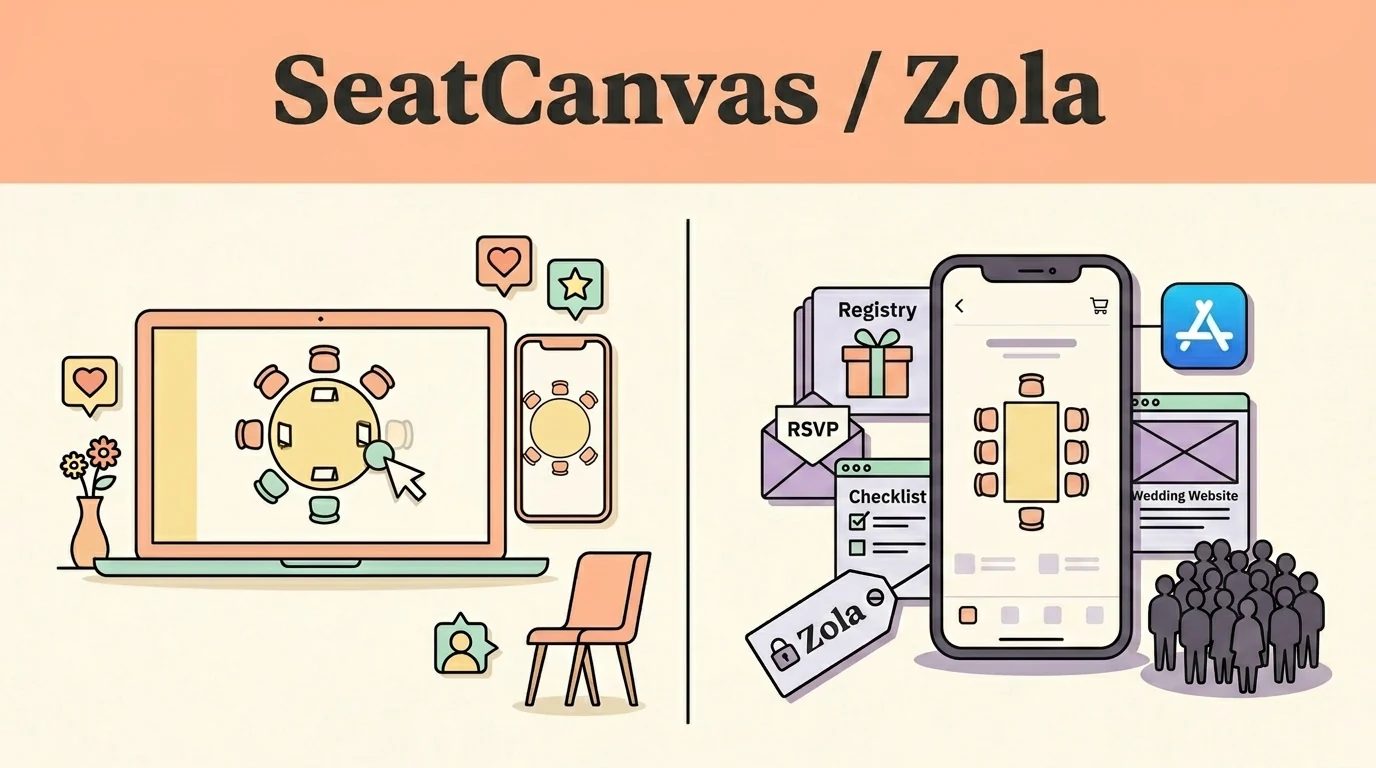
SeatCanvas vs Zola
SeatCanvas is the $19.99 one-time seating chart for couples who want to plan on desktop or Android, import their own CSV, and seat more than 15 guests without being locked into an iPhone app.
Compare → -
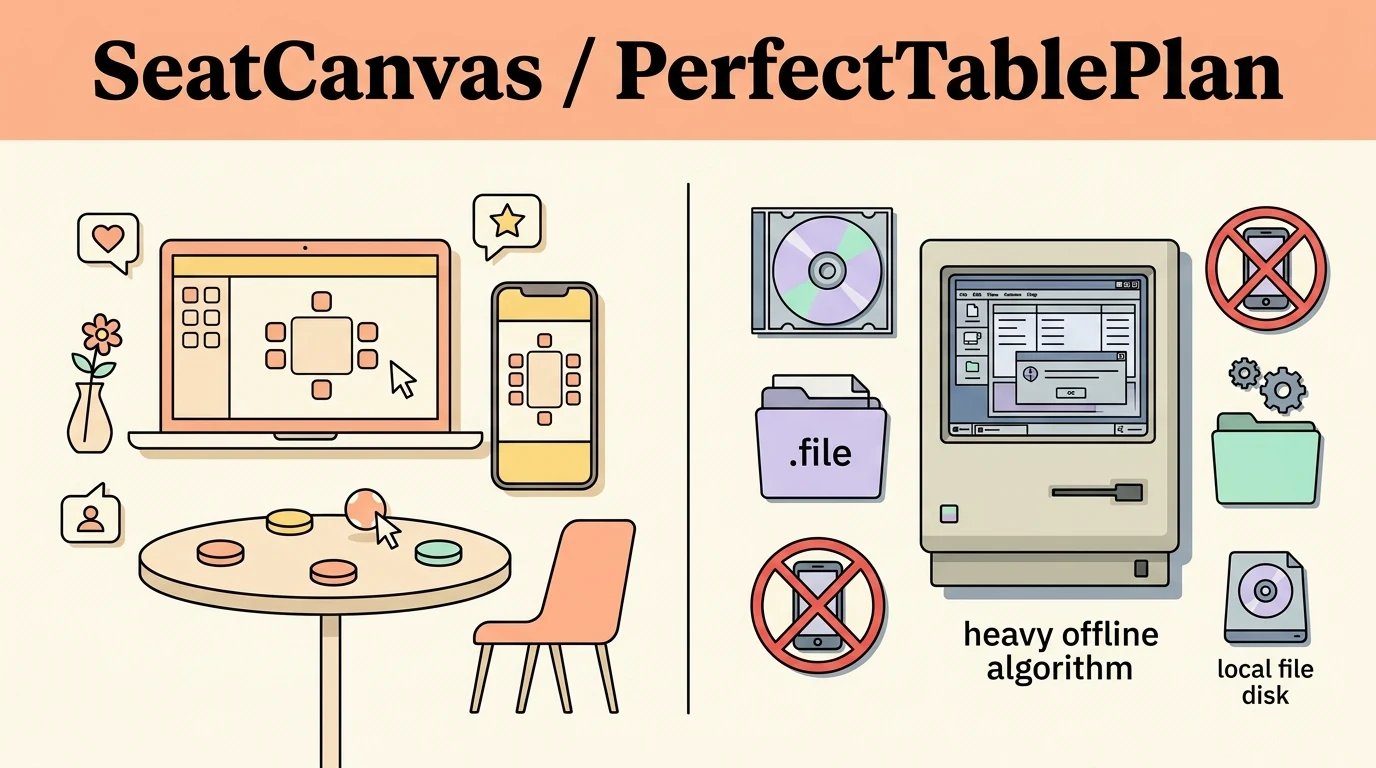
SeatCanvas vs PerfectTablePlan
SeatCanvas is the $19.99 one-time web planner that runs in any browser, syncs to the cloud, and lets you drag guests onto tables from your laptop, tablet, or phone without installing software.
Compare → -
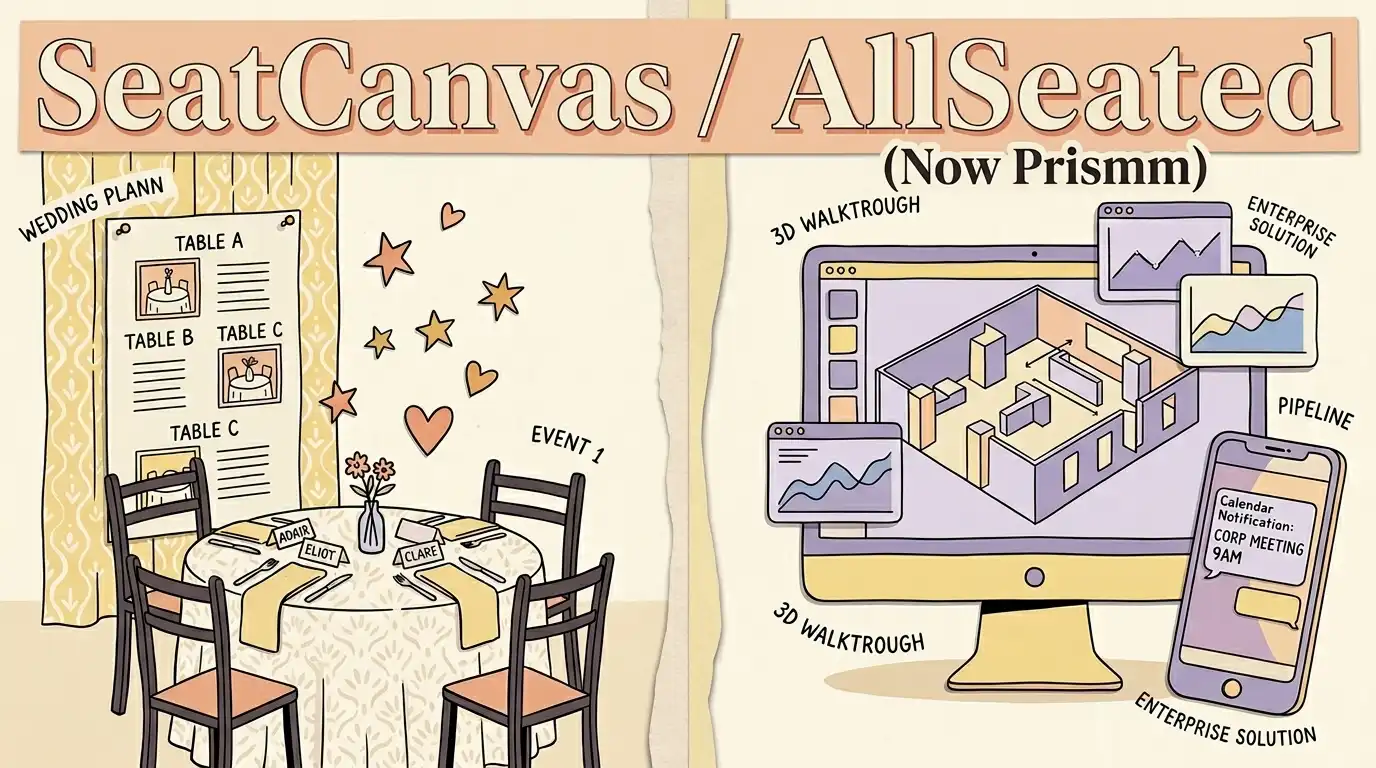
SeatCanvas vs AllSeated
SeatCanvas is the $19.99 one-time seating chart for couples and independent planners who want to arrange tables, import guests from a spreadsheet, and export print-ready PDFs without an enterprise sales call.
Compare → -
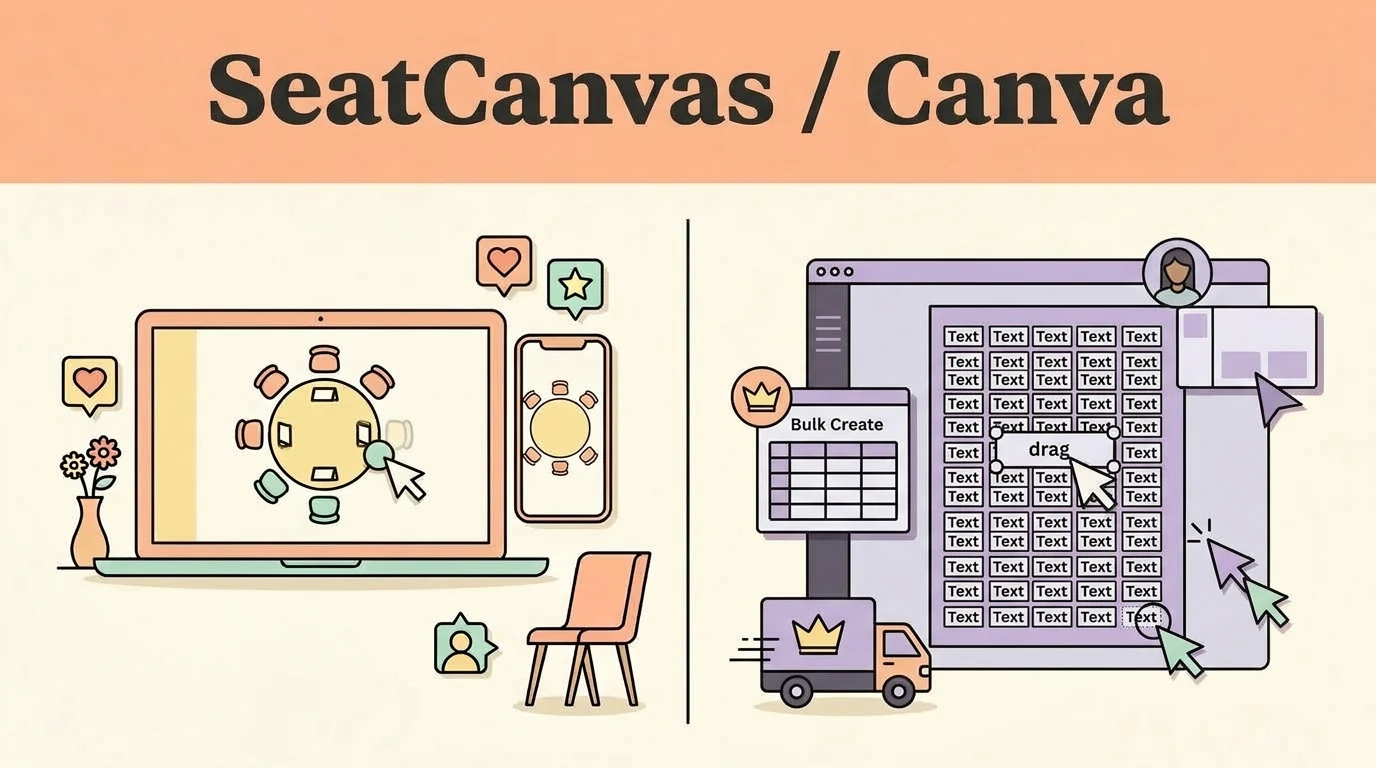
SeatCanvas vs Canva
SeatCanvas is the $19.99 one-time seating chart for events where the guest list is data: import the spreadsheet you already have, drag guests onto seats that hold a real capacity, and export a floor plan the venue can work from.
Compare →
Which seating chart tool should you use?
Four questions separate these tools faster than any feature list does:
- How you pay. A published one-time price, a monthly subscription, a quote after a demo call, or free because seating is bundled into something larger.
- Where it runs. Any browser, a Windows or Mac install, or one phone platform. This is what decides whether you can fix the chart on the venue's laptop the week of the event.
- What goes in and what comes out. Whether you can import your own guest CSV, and whether a print-ready PDF for the caterer is included or sits behind an upgrade.
- What happens when you leave. Whether the guest list exports cleanly into whatever you use next.
SeatCanvas answers those four as: a one-time Event Pass with a permanent free tier up to 40 seated guests, any browser on any device, CSV in and PDF, PNG or CSV out, in English and Spanish.
Every comparison on this page, and who each tool suits
SeatPlan.io is the closest tool to SeatCanvas — browser-based, no guest cap while you design — but saving or exporting a chart is a paid step and its unlimited tier is a subscription. The SeatPlan.io Alternative comparison is about where each tool puts its gate, not about the canvas.
SeatingPlannerApp adds one-click AI auto-arrange, dietary tracking and color-coded guest groups, and does not publish its premium price. The SeatingPlannerApp Alternative comparison weighs auto-arrange against a price you can read before you commit.
WeddingWire's seating chart is free and syncs with the rest of its planning suite, but it needs a marketplace account and pulls guests from WeddingWire's own list rather than your file. The WeddingWire Alternative comparison covers what that coupling costs.
Zola's planning suite is free and genuinely good, but the seating chart runs only in the Zola iOS app and its free tier stops at 15 guests. The Zola Alternative comparison is mostly about the browser and that cap.
PerfectTablePlan is a long-running Windows and Mac desktop app with a real auto-seating algorithm, storing plans as local files with no mobile access. The PerfectTablePlan Alternative comparison is the one to read if that algorithm is the reason you are looking.
AllSeated became Prismm in January 2024 and Cvent acquired Prismm in April 2025. New events can now only be created in Cvent Event Diagramming, and Prismm-created work becomes view-only after June 2027. The AllSeated Alternative comparison covers what that changed and where a wedding guest list goes next.
Canva is a design tool rather than a seating tool, and it is the one comparison here where the honest answer is to use both. Its free templates print a beautiful sign, but a guest in Canva is a text box, not a record with a seat. The Canva Alternative comparison is about where the design file stops and the plan starts.
When SeatCanvas is the wrong choice
Three cases where one of the tools above is the better answer, taken from the comparison pages themselves:
- Several people need to edit the same chart at once. SeatCanvas sharing is a read-only link; SeatPlan.io has live multi-editor collaboration on its paid tiers.
- You need a 3D venue walkthrough, or check-in at the door. SeatPlan.io covers check-in, and AllSeated (Prismm) keeps its 3D walkthroughs only for events already built there. SeatCanvas does neither.
- You want one login for registry, website, RSVPs and seating. Zola and WeddingWire bundle all of it. SeatCanvas is only the seating chart.
If none of those describe your event, the free tier seats up to 40 guests with export included, and the seven comparisons above are the place to check that claim.
Try SeatCanvas free
Up to 40 guests free. No credit card required.