SeatPlan.io Alternative: SeatCanvas for One Event (2026)
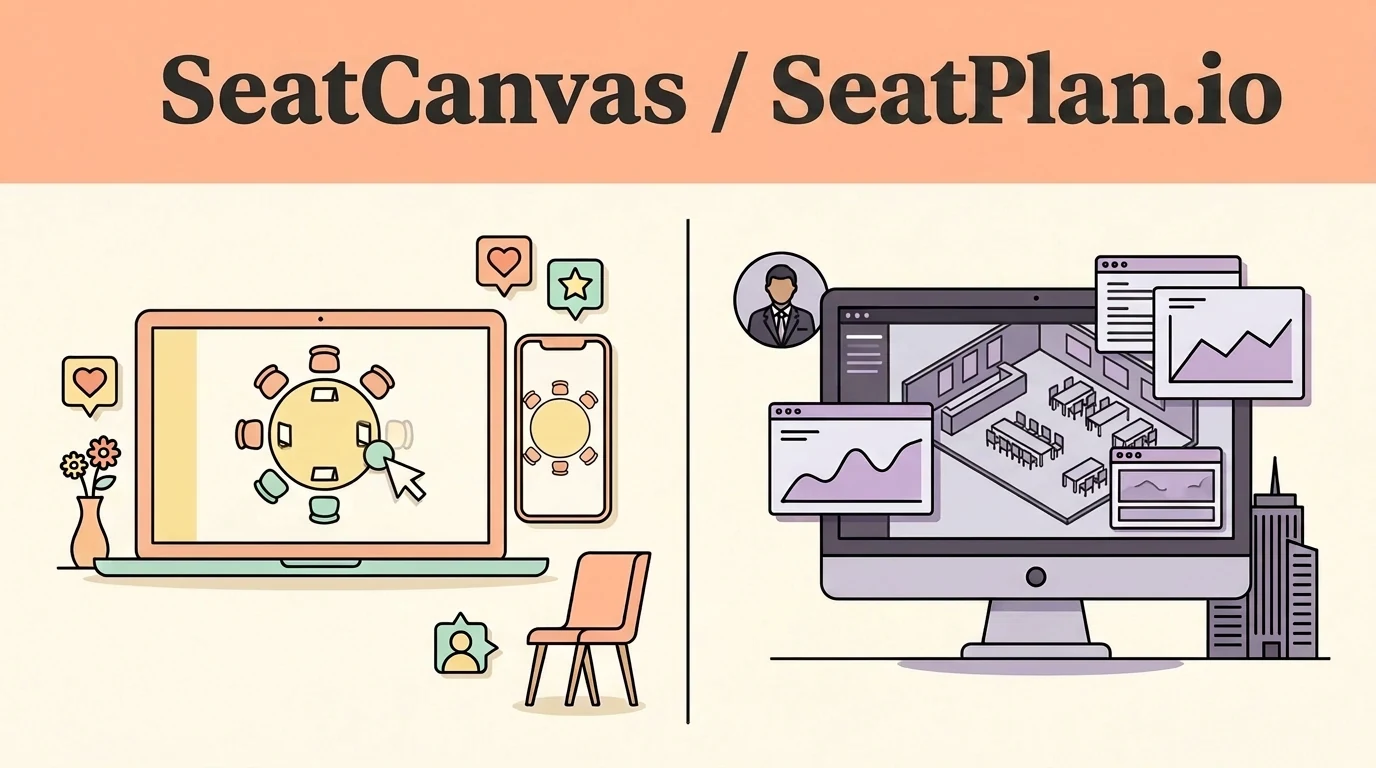
SeatCanvas is the $19.99 one-time seating planner for couples and solo planners who want export included in a permanent free tier, transparent lifetime event pricing, and a native Spanish interface.
SeatPlan.io is a modern browser planner built for recurring event teams needing real-time multi-editor collaboration, AI floor-plan photo import, and day-of guest check-in.
Which one fits you
Choose based on your real event scale and team workflow.
Pick SeatCanvas if
- Couples planning a single wedding who want to export a finished PDF without paying for a time-limited pass
- Events with up to 40 guests looking for a completely free tool with full export and cloud save included
- Planners who want a published one-time price with no recurring monthly subscriptions or 90-day access timers
- Bilingual families requiring a complete Spanish-language interface for Quinceañeras or weddings
Pick SeatPlan.io if
- Professional event coordinators who need multiple team members co-editing the same floor plan live in real time
- Planners working from physical venue sketches who can benefit from AI photo-to-floor-plan conversion
- Event hosts who want digital guest check-in tools, printable place cards, and door-side QR code signs
- Venue managers who manage dozens of recurring events per year and want reusable room templates
The five differences that decide this
The load-bearing distinctions between the two products, stated directly.
| Criterion | SeatCanvas | SeatPlan.io |
|---|---|---|
| Free tier export | Full PDF, PNG, and CSV export included in the free tier up to 40 guests | Free work is not saved; saving or exporting requires a paid upgrade |
| Pricing duration | $19.99 one-time Event Pass with permanent access and no expiration | One-time unlock is time-limited (90 days); ongoing use requires a subscription |
| Real-time collaboration | Shareable read-only link for view access | Live multi-user concurrent editing on Collaborate and Pro tiers |
| AI floor plan import | Manual drag-and-drop table layout with custom shapes | AI photo and PDF import generates editable room layouts automatically |
| Language localization | Full native interface in English and Spanish | English-only interface with no Spanish support found |
What one wedding actually costs
Standardized baseline: One wedding, 120 guests, one person planning it
- Free tier covers up to 40 seated guests permanently
- $19.99 one-time Event Pass unlocks unlimited guests and exports
- No subscription, no renewal clock, no time-limited access
- Free to design without saving or downloading
- Paid export upgrade provides time-limited 90-day access
- Multi-user collaboration sits on higher recurring tiers
Checked at https://seatplan.io on 2026-09-17. If it changes, this page changes.
When SeatPlan.io is the better choice
- SeatPlan.io provides genuine real-time multi-editor collaboration, allowing couples and coordinators to work together live.
- AI floor-plan import can transform a venue photo or PDF architectural schematic into an editable layout.
- Day-of-event features like guest check-in links, wallet passes, and printable place cards go beyond seating layout.
If your workflow relies on multi-user team collaboration, floor-plan photo recognition, or on-site guest check-in, SeatPlan.io is built for your needs.
Moving your guest list over
What to expect before you spend time switching.
- ✓ Guest first and last names
- ✓ Party sizes and table grouping notes
- ✓ Meal preferences and dietary selections
- — Live collaboration invite links
- — Digital guest check-in passes and QR codes
- — Venue photo scan geometry and templates
Reversible: Yes. Your original file/account is never modified or locked.
Step-by-step transfer guide
- Locate the original guest list CSV or spreadsheet you uploaded to SeatPlan.io.
- If you entered names manually on screen, copy them into a spreadsheet and save as CSV.
- Open SeatCanvas in your browser — free for up to 40 guests without creating an account.
- Click the guest list icon, choose Import CSV, and upload your spreadsheet file.
- Match your column headers to SeatCanvas's guest name and party size fields.
- Drag your tables onto the canvas, place your guests, and export a high-res PDF.
Every feature, side by side Full comparative audit across both platforms Toggle table
| Feature | SeatCanvas | SeatPlan.io | What that means |
|---|---|---|---|
| SEATING | |||
| Drag-and-drop table layout | ✓ Included | ✓ Included | Visually arrange round and rectangular tables across an interactive room canvas |
| AI floor-plan import | Not available | ✓ Included | Convert a venue photo, screenshot, or PDF into an editable digital seating chart |
| Live multi-user collaboration | Not available | ✓ Included | Multiple planners and coordinators co-editing the identical chart simultaneously |
| GUESTS | |||
| CSV guest import | ✓ Included | ✓ Included | Upload guest lists from spreadsheets without typing names individually |
| Export included on free tier | ✓ Included | Not available | Generate and download finished floor plans without paying; SeatPlan gates exports |
| EXPORTS | |||
| Print-ready PDF export | ✓ Included | ✓ Included | Produce vector-quality PDFs formatted for venue coordinators and caterers |
| Printable place cards | Not available | ✓ Included | Generate individual guest name cards for physical place settings |
| PRICING | |||
| Permanent one-time pricing | ✓ Included | Limited | Pay once with no 90-day time limits; SeatPlan's one-time pass expires after 90 days |
| SUPPORT | |||
| Guest check-in & QR passes | Not available | ✓ Included | Day-of door-side check-in management and digital guest table-finder QR signs |
| Bilingual interface (EN/ES) | ✓ Included | Not available | Native interface in English and Spanish for Quinceañeras and bilingual weddings |
SeatPlan.io vs SeatCanvas: same idea, different structure
SeatCanvas is a browser-based drag-and-drop seating chart planner for weddings and events — free up to 40 seated guests and $19.99 one-time for unlimited seating, with PDF, PNG, and CSV export in English or Spanish. SeatPlan.io is a browser-based seating chart maker too: free to design with no guest cap, with saving, exporting, and real-time collaboration on paid tiers.
The two are close cousins. Both run in a browser, both take a CSV of your guests, both let you drag names onto round and rectangular tables, and both hand you a print-ready chart at the end. There’s no desktop-vs-cloud gap here and no enterprise-vs-consumer gap. Two web apps, the same job, different bets on how you pay and what you get.
So the honest comparison lives in two places: what each tool can do, and where the money changes hands. SeatPlan bets on collaboration and scale; SeatCanvas bets on one event, one price, export included. Neither bet is wrong — they’re aimed at different people.
What SeatPlan.io does well
Credit where it’s due, and there’s a lot of it.
SeatPlan’s real-time collaboration is a real feature, not a checkbox. On its paid tiers, several people can edit the same chart at once — useful when a couple, a planner, and a venue coordinator are all touching the same layout. SeatCanvas has nothing like it; sharing here is a read-only link. That’s a clear point for SeatPlan.
Its AI floor-plan import is genuinely clever: upload a photo, a screenshot, or a PDF of the venue and it builds an editable layout for you to refine. If you’re starting from a venue’s existing floor plan, that’s a real head start SeatCanvas can’t match.
SeatPlan also leans into running the event, not just planning it: guest check-in links, a guest-facing QR sign so people find their own table, and reusable templates for planners doing this every month. It exports A3 PDFs, Excel seat lists for caterers, and printable place cards. And its free designer has no guest cap — you can lay out a 300-person room without paying a cent, as long as you don’t need to save or export it yet.
Those are all genuine strengths. If your work is professional and repeated, SeatPlan is built for you.
Where SeatCanvas is the better pick
The split comes down to two things you can check before you commit: when you pay, and what the free tier actually gives you.
On SeatPlan, designing is free but the design is ephemeral — free and anonymous work isn’t stored, and saving or exporting a chart requires buying a plan. The cheapest way to keep your chart is a one-time purchase with time-limited (90-day) access; unlimited events and collaboration are a monthly subscription. That’s a fair model, but it means the moment you want to save your work or hand a PDF to your caterer, you’re at a paywall.
SeatCanvas draws the line differently. The free tier is permanent and it includes export: events up to 40 seated guests get the full canvas and every export format — PDF, PNG, and CSV — with no timer and no card on file. If your wedding fits under 40 guests, you can plan it, save it, and print it without paying anything. When you outgrow 40 guests, unlimited seating is a single $19.99 one-time Event Pass. No subscription, no renewal, no 90-day clock.
SeatCanvas also ships a full Spanish-language version. For a Quinceañera or a bilingual wedding where half the family reads Spanish first, that’s the difference between a usable tool and a frustrating one. I couldn’t find a Spanish version of SeatPlan (checked July 2026).
The trade is real and worth stating plainly: SeatPlan’s free design has no guest cap and SeatCanvas’s is 40 — so for a huge room you want to sketch for free before committing, SeatPlan’s ceiling is higher. But SeatCanvas is the only one of the two where the free tier lets you actually keep and export the finished chart.
Moving your guest list over
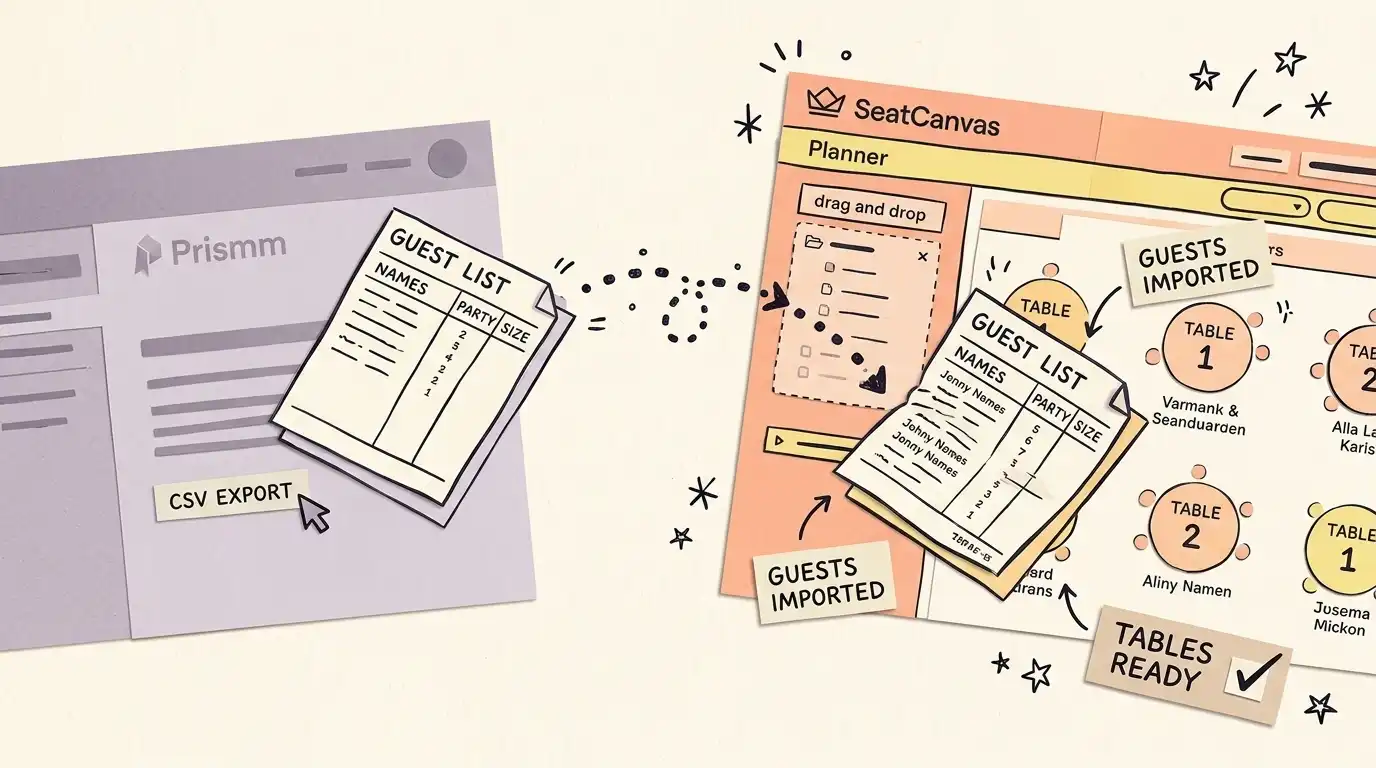
If you started in SeatPlan, the move is quick, because you almost certainly already have the raw material: the guest-list CSV you imported in the first place.
- Find the CSV or spreadsheet you imported into SeatPlan. If you don’t have it, copy your names and party sizes into a spreadsheet and save it as CSV.
- Open the SeatCanvas planner — no sign-in needed for events up to 40 guests.
- Click the guest-list icon, choose Import CSV, and upload the file.
- Use the column-mapping step to match your columns to SeatCanvas’s name and party-size fields.
The table layout doesn’t transfer — you’ll redraw the room in SeatCanvas — but for a wedding-scale list that’s a few minutes of dragging, and then you export a PDF or PNG for the day.
Bottom line
SeatPlan.io makes a strong case if collaboration, AI floor-plan import, check-in, and reusable templates are the features you’d use most — and if paying per save or subscribing monthly fits how often you run events. It’s a capable, well-built tool, and I’m not going to pretend otherwise.
But for one event, planned by one person, SeatCanvas answers the two questions that matter most:
- When do I pay? Never, up to 40 guests — export included. Then $19.99 one-time for unlimited seating, printed on the pricing page. No subscription, no 90-day clock.
- What can I get out of it? PDF, PNG, and CSV export, in English or Spanish, off a permanent free tier.
If real-time collaboration across a team is the thing you can’t live without, SeatPlan. Otherwise, open the SeatCanvas planner and drag your first table onto the canvas. (Comparing other direct tools? See SeatCanvas vs SeatingPlannerApp and SeatCanvas vs PerfectTablePlan, or browse the full alternatives hub.)
Frequently asked questions
- Is SeatPlan.io free?
You can design a seating chart on SeatPlan.io for free with no signup and no guest cap, but free or anonymous work isn't stored — you pay a one-time fee to save or export a chart, and that access is time-limited. Professional features like unlimited events and real-time collaboration are a monthly subscription. SeatCanvas is free up to 40 seated guests with export included, then $19.99 one-time for unlimited seating.
- SeatPlan.io vs SeatCanvas — what's the real difference?
Both are browser-based drag-and-drop seating planners, so the difference is capability and pricing model. SeatPlan is stronger on collaboration and events at scale: real-time multi-editor editing, AI floor-plan import from a photo or PDF, guest check-in with QR and door links, and reusable templates. SeatCanvas is built for one event you plan yourself — export is included in a permanent free tier up to 40 guests, unlimited seating is a single $19.99 one-time payment with no subscription, and it ships a full Spanish-language version.
- Does SeatPlan.io have real-time collaboration?
Yes, and it's a genuine strength. On its paid Collaborate and Event Manager tiers, several people can edit the same chart at once. SeatCanvas doesn't offer live co-editing — you share a read-only link instead. If multiple planners need to work a chart together in real time, SeatPlan wins that row.
- How do I move my guest list from SeatPlan.io to SeatCanvas?
Reuse the CSV or spreadsheet you originally imported into SeatPlan, or copy your guest names and party sizes into a spreadsheet and save it as CSV. Open the SeatCanvas planner, click the guest-list icon, choose Import CSV, and map your columns to SeatCanvas's name and party-size fields. Then redraw the room and drag guests into seats.
Try SeatCanvas free
Up to 40 guests free. No credit card required. No sales calls.
Cited sources and verification dates
- "SeatPlan.io is free to design with saving and exporting on paid tiers"
- "SeatPlan.io offers real-time collaboration and AI floor plan import"
Compare other seating chart tools
Detailed, verified breakdowns of how SeatCanvas compares to alternatives.