Zola Seating Chart Alternative: SeatCanvas for Any Browser (2026)
SeatCanvas is the $19.99 one-time seating chart for couples who want to plan on desktop or Android, import their own CSV, and seat more than 15 guests without being locked into an iPhone app.
Zola offers an elegant, mobile-first seating chart built directly into its leading free wedding suite, combining registry, RSVP tracking, checklist, and wedding websites on iOS.
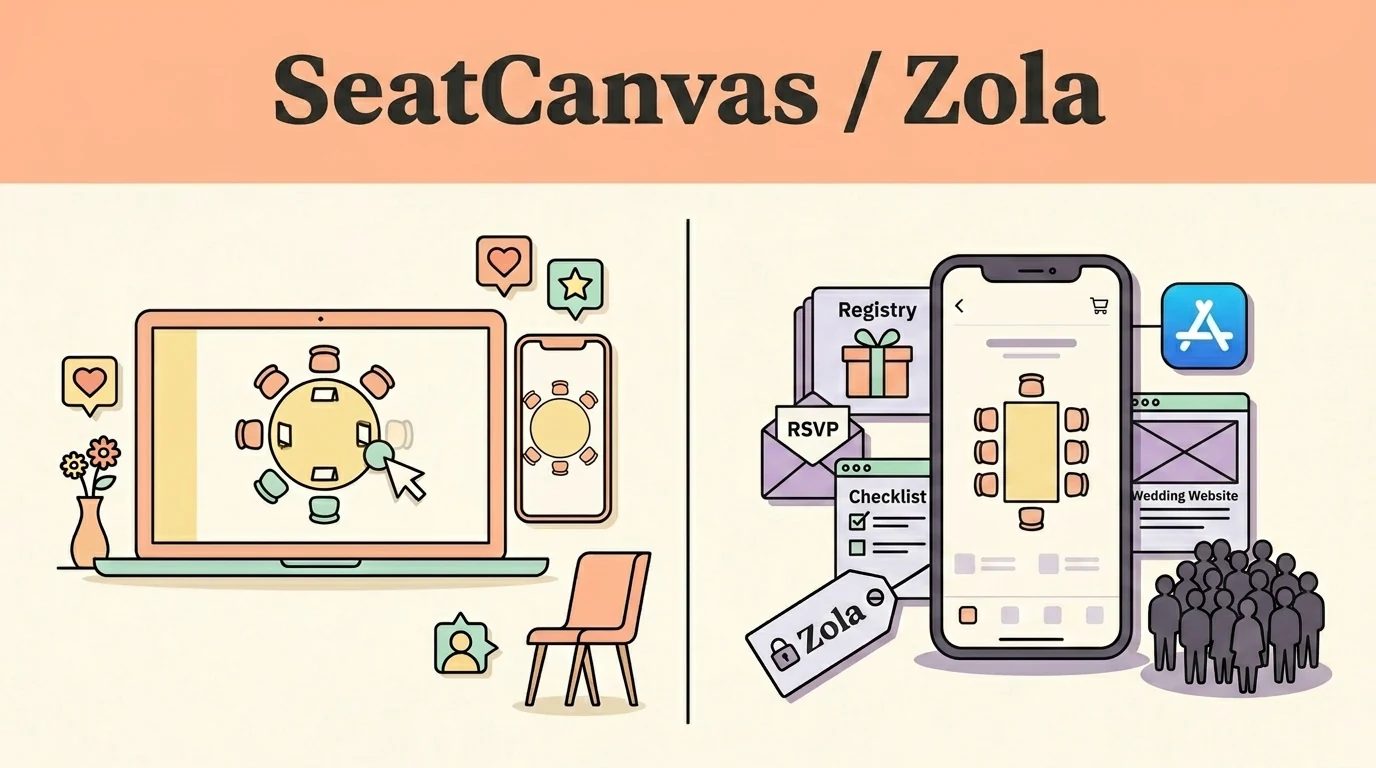
Which one fits you
Choose based on your real event scale and team workflow.
Pick SeatCanvas if
- Couples planning on a laptop, desktop browser, or Android tablet rather than exclusively on an iPhone
- Weddings with more than 15 guests that want a transparent one-time web pass without in-app purchase lock-in
- Planners who already have their guest list in an external spreadsheet and want visual column mapping
- Events needing custom banquet, serpentine, or oval tables alongside standard rounds and rectangles
Pick Zola if
- Couples already coordinating their entire wedding through Zola's registry, website, and digital invitations
- iPhone-first planners who prefer doing seating arrangements directly on their mobile device on the go
- Micro-weddings or intimate rehearsal dinners with 15 or fewer seated guests staying on Zola's free tier
- Planners who value having RSVP status, meal selections, and seating assignments synced within one app
The five differences that decide this
The load-bearing distinctions between the two products, stated directly.
| Criterion | SeatCanvas | Zola |
|---|---|---|
| Device availability | Any web browser on Mac, Windows, Linux, Android, iPad, and iPhone | Zola iOS app only; no web browser or Android seating access |
| Free tier headcount | Permanent free tier up to 40 seated guests with export included | Free tier caps at 15 seated guests inside the iOS application |
| Guest import method | Upload any CSV/Excel spreadsheet directly into the seating canvas | Must enter or sync guests through Zola's internal guest list tool |
| Table geometry | Round, rectangular, oval, serpentine, banquet, and custom head tables | Circular and square table options only within the mobile app |
| Pricing structure | $19.99 one-time Event Pass for unlimited guests, accessible anywhere | Free up to 15 guests; paid one-time in-app unlock for larger events |
What one wedding actually costs
Standardized baseline: One wedding, 120 guests, one person planning it
- Free tier covers up to 40 seated guests permanently
- $19.99 one-time Event Pass unlocks unlimited guests and exports
- Not tied to any single operating system or app store account
- Free tier supports up to 15 seated guests in the iOS app
- Seating over 15 guests requires a one-time in-app upgrade
- Requires an active Zola account and an Apple iOS device
Checked at https://www.zola.com on 2026-09-17. If it changes, this page changes.
When Zola is the better choice
- Zola provides a comprehensive free wedding ecosystem including registry, customized website builder, and digital RSVP management.
- The native iOS interface is smooth, responsive, and ideal for quick table adjustments from an iPhone.
- Real-time RSVP synchronization automatically brings confirmed guests into the seating tool without manual export.
If you are planning your entire wedding from an iPhone and already manage your guest list and registry through Zola, their built-in seating tool is remarkably convenient.
Moving your guest list over
What to expect before you spend time switching.
- ✓ Guest first and last names
- ✓ RSVP confirmation status
- ✓ Dietary requirements and meal selections
- — iOS visual table positions and floor arrangements
- — Zola gift registry contributions and cash fund entries
- — Wedding website custom theme layouts and checklist milestones
Reversible: Yes. Your original file/account is never modified or locked.
Step-by-step transfer guide
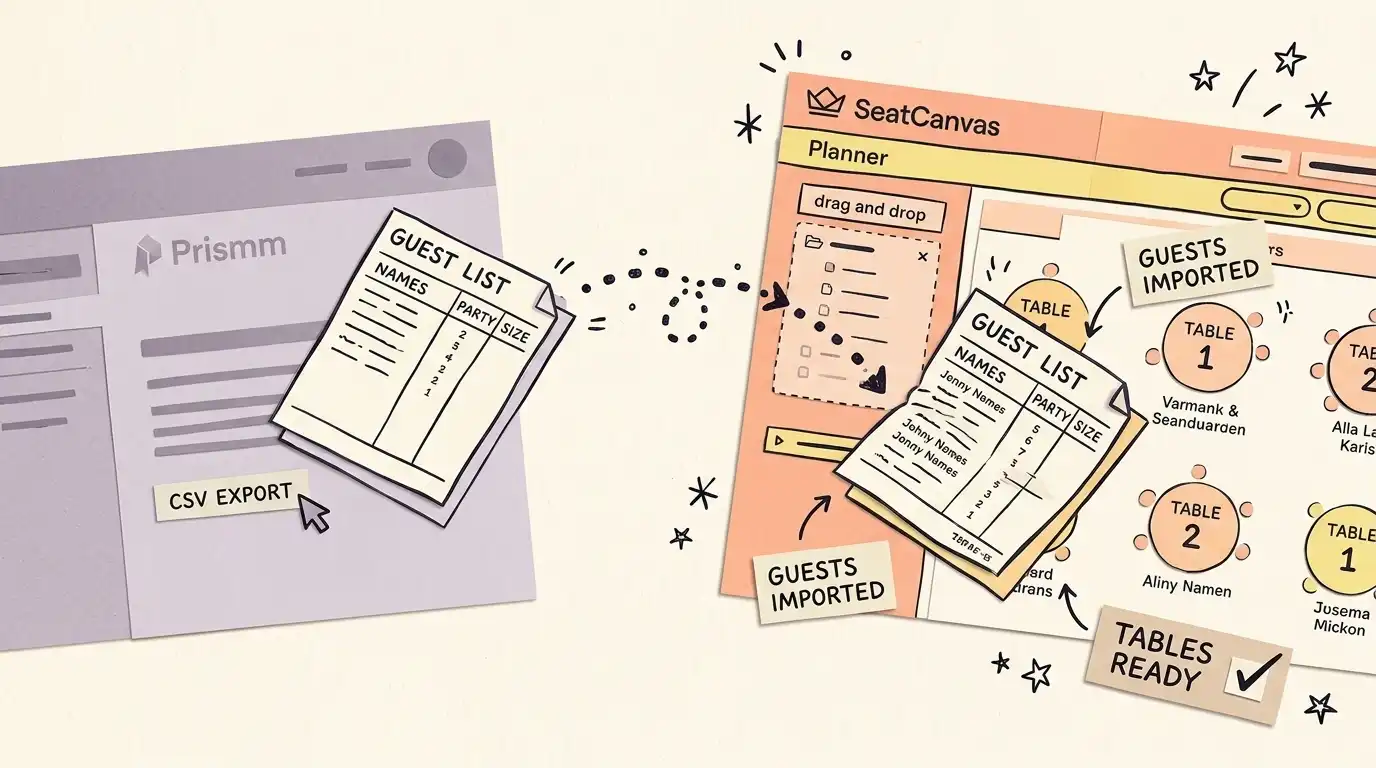
- Sign in to Zola on any web browser and open the Guest List tool.
- Click 'Export RSVPs' in the upper right corner to download your guest data as a CSV file.
- Open the SeatCanvas planner in any desktop or mobile browser without an iOS requirement.
- Click the guest list icon, select Import CSV, and upload your Zola export file.
- Map Zola's combined Name column to SeatCanvas's name field using the Full name setting.
- Arrange your tables on the canvas, seat your guests, and export a print-ready PDF.
Every feature, side by side Full comparative audit across both platforms Toggle table
| Feature | SeatCanvas | Zola | What that means |
|---|---|---|---|
| SEATING | |||
| Drag-and-drop table layout | ✓ Included | ✓ Included | Visually place and move tables and guest place cards across the reception room |
| Browser desktop access | ✓ Included | Not available | Design on laptops and desktop screens; Zola's chart is exclusive to iOS |
| Android device access | ✓ Included | Not available | Access the seating canvas from Android phones and tablets via standard browsers |
| GUESTS | |||
| External CSV guest import | ✓ Included | Not available | Upload spreadsheets directly into the chart without building an account guest list |
| Free tier capacity | ✓ Included | Limited | SeatCanvas includes 40 guests free; Zola's free tier is capped at 15 guests |
| EXPORTS | |||
| Print-ready PDF export | ✓ Included | ✓ Included | Generate high-resolution printable documents for venue coordinators and catering |
| PNG and seat assignment CSV | ✓ Included | Limited | Download graphical previews and tabular rosters for stationery printers |
| PRICING | |||
| Cross-platform license | ✓ Included | Not available | One-time unlock works across all devices and browsers without Apple App Store lock-in |
| SUPPORT | |||
| Comprehensive wedding suite | Not available | ✓ Included | Integrated wedding website, retail registry, digital RSVP tracking, and checklist |
| Bilingual interface (EN/ES) | ✓ Included | Not available | Complete native interface in English and Spanish for bilingual planning parties |
Zola’s planning suite and the seating chart
Zola is a genuine force in US wedding planning. The registry platform connects to major retailers. The free website builder is fast and well-designed. The checklist, RSVP tool, and vendor search are all free. Couples who use Zola often spend the year before their wedding living inside it.
The seating chart gets included. It’s inside the Zola iOS app: your guest list syncs automatically, you arrange tables, you drag names into seats. For couples already on Zola and on an iPhone, it’s convenient.
Two things send people looking for an alternative. The seating chart is iOS only — no desktop browser, no Android. And the free tier covers 15 guests, which doesn’t reach most weddings.
What Zola does better
The full planning suite. Registry, website, RSVPs, vendor search, checklist — none of this exists in SeatCanvas. Zola is designed to run your entire wedding. If you want one place that handles invites through seating to vendor communications, Zola has that and SeatCanvas doesn’t.
The native iOS app is genuinely smooth. Zola has invested heavily in the mobile experience. If you’re managing your wedding from your iPhone and already have Zola, the seating chart loads fast with your guest list already there.
The guest list sync is real. Open the seating chart and your Zola guests are right there — no import step, no CSV column-mapping. For couples who’ve been building their guest list in Zola’s RSVP tool, that continuity matters.
What SeatCanvas does instead
Any browser. Laptop, Android tablet, iPhone, Windows desktop — SeatCanvas runs wherever there’s a browser. Zola’s seating chart has no web version and no Android version. If you’re on Android, or your partner prefers a laptop, SeatCanvas is the path.
The free tier covers 40 guests, not 15. For a smaller wedding, that’s free all the way. For a bigger one, the Event Pass is a one-time unlock — not a subscription, and not tied to a single device the way an in-app purchase is.
Standalone use. SeatCanvas takes any CSV. Your guest list from an Excel spreadsheet, from WeddingWire, from another planner — import it, map the columns, start seating. There’s no requirement to have built your guest list inside a specific ecosystem first.
CSV import handles any column layout. Tables come in round, rectangular, or custom shapes — more than Zola’s circular and square. Export to PDF, PNG, or CSV. The PDF is print-ready for venues.
And there’s a Spanish-language interface — relevant for Quinceañeras and bilingual families.
Moving your guest list from Zola
Zola’s guest list tool is browser-based — the export lives there, not in the iOS app.
- Log in to Zola and go to zola.com/wedding-planning/guests.
- Click “Export RSVPs” in the upper right. Download the .csv file with names, RSVP status, and meal choices.
- Open the SeatCanvas planner in any browser. No iOS needed.
- Click the guest list icon → Import CSV → upload the Zola export.
- In the column-mapping step, map Zola’s “Name” column to SeatCanvas’s name field. Choose “Full name” in the dropdown — Zola combines first and last names into one column.
- Draw your room layout in SeatCanvas, drag guests into seats, and export a PDF for your venue.
The seating assignments from Zola don’t transfer — Zola’s chart layout doesn’t export to a portable format. But the guest data does, and redrawing the room takes 10-15 minutes for most layouts.
See the CSV import feature page for column mapping details and the alternatives hub for other comparisons — including SeatCanvas vs AllSeated if you’re also looking at enterprise event tools, and SeatCanvas vs PerfectTablePlan for the desktop-app comparison.
Honest take
Zola’s seating chart is a convenience feature inside a larger product. It’s iOS-only, the free tier stops at 15 guests, and unlocking more is an in-app purchase tethered to the app and a Zola account.
If you’re all-in on Zola and planning from your iPhone, the built-in chart is fine. Use it.
If you need to plan from a laptop, work on Android, or want a purpose-built seating chart that accepts your own CSV and exports vendor-ready PDFs — SeatCanvas is a tab you open. Free up to 40 guests, a one-time unlock for more, no device restriction.
For other comparisons, the alternatives hub has the full set — including the WeddingWire alternative, the other free-bundled planning suite.
See the full pricing breakdown or start free.
Frequently asked questions
- Is Zola's seating chart free?
The Zola seating chart has a free tier for up to 15 guests, available inside the Zola iOS app. Unlimited seating requires a one-time in-app purchase. Zola's broader planning tools — registry, website builder, guest list, checklist, RSVPs — are free with no guest limits.
- Does Zola's seating chart work on desktop or Android?
No. Zola's seating chart is only available inside the Zola iOS app. There is no web browser version and no Android app for the seating chart. The rest of Zola's planning tools (guest list, registry, website) are accessible via any browser.
- Can I use Zola's seating chart without a Zola account?
No. The Zola seating chart is part of the Zola planning suite and requires a Zola account. Guests must be added to Zola's guest list tool before they can be placed in the seating chart. SeatCanvas requires a Google or Microsoft sign-in and accepts any CSV file — you don't need to rebuild your guest list inside a specific platform first.
- How do I export my guests from Zola to SeatCanvas?
Sign in to Zola on any browser and open the Guest List tool at zola.com/wedding-planning/guests. Click 'Export RSVPs' in the upper right corner to download a CSV of your guest data. Then open the SeatCanvas planner, click the guest list icon, choose Import CSV, and upload the file. In the column-mapping step, map Zola's 'Name' column to SeatCanvas's name field — choose 'Full name' since Zola combines first and last names in a single column.
Try SeatCanvas free
Up to 40 guests free. No credit card required. No sales calls.
Cited sources and verification dates
- "Zola seating chart is available inside the Zola iOS app"
- "Zola seating chart free tier is capped at 15 guests"
Compare other seating chart tools
Detailed, verified breakdowns of how SeatCanvas compares to alternatives.