Canva Seating Chart Alternative: When Templates Stop Working
SeatCanvas is the $19.99 one-time seating chart for events where the guest list is data: import the spreadsheet you already have, drag guests onto seats that hold a real capacity, and export a floor plan the venue can work from.
Canva is an excellent design tool with free seating chart templates, real-time collaborative editing and print fulfilment, and it is the right place to make the printed sign once the plan is already settled.
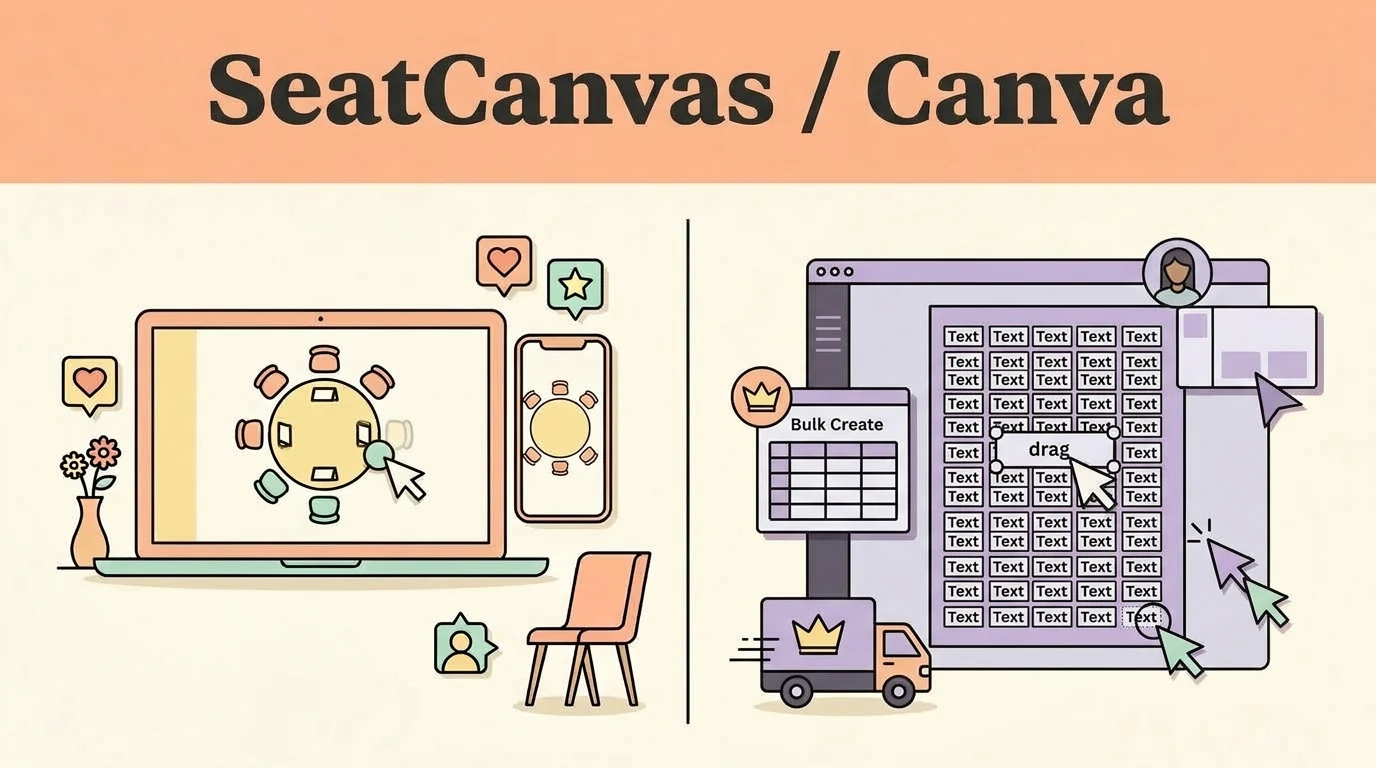
Which one fits you
Choose based on your real event scale and team workflow.
Pick SeatCanvas if
- Events where the guest list keeps moving after the first draft, as late RSVPs and plus-ones arrive
- Anyone whose guest list already lives in a spreadsheet and does not want to retype it into text boxes
- Weddings past roughly 40 guests, where editing names one box at a time stops being viable
- Couples who owe the venue and the caterer a floor plan, not a poster
Pick Canva if
- The printed seating sign or welcome poster, once the plan itself is decided
- Small events, roughly under 20 guests, where every name is typed once and never moved
- Place cards, table numbers and menus produced in bulk from a spreadsheet
- Anyone who needs several people editing the same design at the same time
The five differences that decide this
The load-bearing distinctions between the two products, stated directly.
| Criterion | SeatCanvas | Canva |
|---|---|---|
| What a guest is | A record with a name, a party size and a seat, imported from CSV or Excel | Text inside a text box, typed by hand into the template |
| Table capacity | Each table holds a set number of seats and tells you when it is full | No table object and no capacity, so nothing can be full or over-filled |
| Seat assignment | Drag a guest onto a specific seat at a specific table | Drag a text box across a canvas, which moves the label and nothing else |
| Editing after an RSVP changes | Remove or move the guest and the plan updates, including the caterer counts | Find the right text box in the layer stack, retype it, reflow the names around it |
| What the venue receives | A print-ready floor plan PDF plus a seat assignment CSV per table | A graphic of the finished sign, which is not a floor plan |
What one wedding actually costs
Standardized baseline: One wedding, 120 seated guests, one person planning it
- Free tier covers up to 40 seated guests permanently, export included
- $19.99 one-time Event Pass unlocks unlimited guests
- No subscription and no per-event renewal
- Canva's free plan covers the seating chart templates and PDF or PNG download
- Bulk Create, which pours a spreadsheet into designs, sits on a paid plan and is desktop only
- We do not print Canva's prices here because tiers change, so check canva.com for the current figure
Checked at https://www.canva.com/create/seating-charts/ on 2026-09-22. If it changes, this page changes.
When Canva is the better choice
- Canva publishes free seating chart templates and a free seating chart maker page, and the editor is genuinely pleasant to work in.
- Several people can edit the same Canva design at the same time. SeatCanvas sharing is a read-only link, so this is a real gap on our side.
- Canva prints and ships the finished sign, so the poster on the welcome table can be ordered in the same tab it was designed in.
- Bulk Create turns a spreadsheet into one design per row, which is the fastest route to place cards, table numbers and menus.
If what you need is the printed sign, or the event is small enough to type every name once and never move it, Canva is the right tool and there is no reason to leave it.
Moving your guest list over
What to expect before you spend time switching.
- ✓ The guest list you already keep outside Canva: a spreadsheet, a notes file, or an RSVP export
- ✓ Nothing else, because a Canva seating chart holds no guest records to move
- — The Canva design file, its fonts, colours and layout, which stay in Canva and still print the sign
- — Any Bulk Create data connection, which keeps working for place cards and table numbers
- — Nothing is removed from or changed inside your Canva account by any of this
Reversible: Yes. Your original file/account is never modified or locked.
Step-by-step transfer guide
- Open the spreadsheet that already holds your guest names. Nothing needs exporting from Canva first.
- Open the SeatCanvas planner in any browser.
- Draw the room: add your tables and set how many seats each one holds.
- Click the guest list icon, choose Import CSV, and upload the spreadsheet.
- Drag guests onto seats, and keep dragging as RSVPs change.
- Export the floor plan PDF for the venue and the per-table CSV for the caterer.
- Go back to Canva with the finished assignments and design the printed sign.
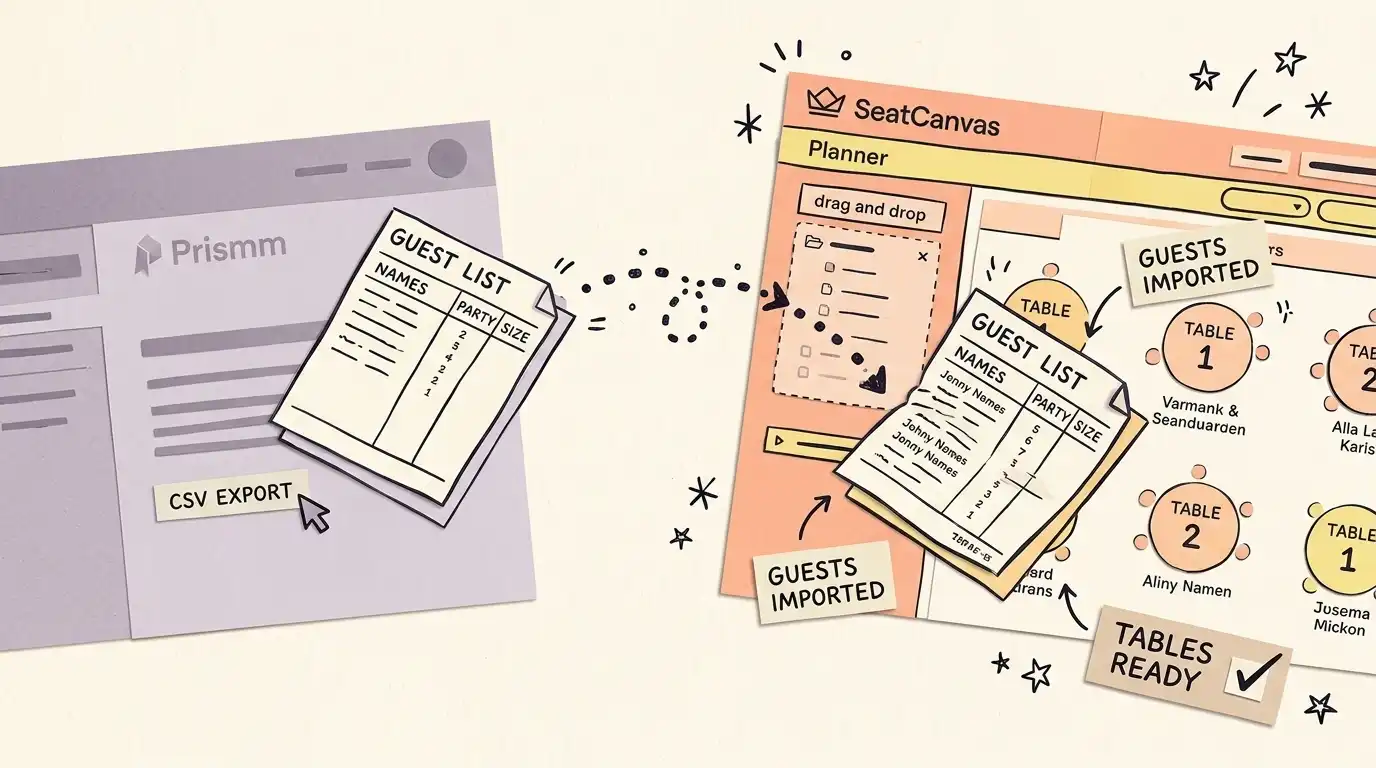
Every feature, side by side Full comparative audit across both platforms Toggle table
| Feature | SeatCanvas | Canva | What that means |
|---|---|---|---|
| SEATING | |||
| Good-looking seating chart graphic | ✓ Included | ✓ Included | Both produce a chart a guest can read at the door |
| Spatial floor plan of the actual room | ✓ Included | Not available | SeatCanvas positions tables where they stand in the venue; a Canva template is decorative |
| Table capacity tracking | ✓ Included | Not available | A SeatCanvas table holds a seat count and flags overflow; Canva has no table object |
| Table shapes beyond the template | ✓ Included | Limited | Round, rectangular, oval and custom shapes, versus whatever the chosen template drew |
| GUESTS | |||
| Guest list import from Excel or CSV | ✓ Included | Limited | Canva Bulk Create imports a spreadsheet to stamp out one design per row, on a paid desktop plan; it does not fill a single seating plan |
| Drag-and-drop seat assignment | ✓ Included | Not available | Canva's editor is drag-and-drop for shapes and text, but a guest cannot be dropped onto a seat |
| Holding up past 100 guests | ✓ Included | Limited | Every change in Canva is a manual text edit, so the work grows with the guest count |
| EXPORTS | |||
| Print-ready floor plan PDF for the venue | ✓ Included | Not available | The caterer and the coordinator need the room, not the poster |
| Printable sign or poster graphic | ✓ Included | ✓ Included | Canva downloads PDF and PNG on the free plan, and SeatCanvas exports both as well |
| Seat assignment CSV per table | ✓ Included | Not available | A tabular roster the catering captain can sort by meal |
| SUPPORT | |||
| Several people editing at once | Limited | ✓ Included | Canva has real-time collaborative editing; SeatCanvas sharing is a read-only link |
| Ordering the printed sign | Not available | ✓ Included | Canva prints and ships; SeatCanvas hands you a file and stops there |
What a Canva seating chart actually gives you
Canva is a graphic design platform, and a very good one. Search “Canva seating chart maker” and you land on a free template gallery: table graphics, placeholder names, fonts and colours that look sharp on screen, and a PDF or PNG download at the end.
That is genuinely useful. If you need a printed welcome sign reading “Table 1: Aunt Linda, Uncle Robert” for the reception entrance, Canva handles that kind of visual output better than most tools, and it will print and ship the finished poster for you.
The problem starts when you try to use it as the planning tool rather than the printing tool.
Where Canva breaks down
A seating chart has two jobs. There is the visual output, which is what guests see at the door. And there is the operational plan, which is what you, the venue and the caterer need to make the room work.
Canva does the first job well. It does not attempt the second one.
Canva templates are decorative. They show where people sit. They cannot help you work out where people should sit. That distinction barely matters at 20 guests. It matters enormously at 80.
The comparison table above is the long version. The short version: in Canva, a guest is a piece of text. In a seating planner, a guest is a record with a party size, a meal, and a seat at a table that has a capacity.
The real problem: editing at scale
At a small dinner party, typing 15 names into text boxes is fine. Annoying, but fine.
At a wedding, you are managing a list that changes. RSVPs come in late. Plus-ones materialize. The cousin who confirmed in February cancels three weeks out. Every change means hunting through a multi-layered design file for the right text box, resizing it, reflowing the names around it, and hoping you did not break the template formatting on the way past.
That is not event planning. That is graphic design under duress.
A dedicated seating tool treats your guest list as data rather than decoration. When someone moves tables, you drag them. When someone cancels, you remove them and the layout adjusts. When the caterer needs a count per table, you export it. No text-box archaeology required.
How to use both tools together
The practical move is not to pick a winner. It is to split the work and let each tool do what it was built for.
Plan in SeatCanvas
Open SeatCanvas and build the actual room. Add your tables, round, rectangular or mixed, and set the capacity for each one.
Then import your guest list from the spreadsheet you already have. Drag guests onto seats. Rearrange when plans change. Keep the caterer’s table counts accurate without recounting anything.
Design the sign in Canva
Once the plan is locked, take the finished table assignments into Canva and make the printed display graphic. This is the part Canva is built for. Use the nice fonts. Nobody is scrambling to edit this file anymore, because the plan is already done.
Export the floor plan from SeatCanvas
Your venue coordinator and caterer need the floor plan PDF, not the welcome sign. Export it and send it directly. Two different documents for two different audiences.
Honest take
Canva makes good-looking graphics. That is not the same as making a good seating plan, and Canva has never claimed otherwise.
Use Canva for the sign. Use a dedicated planner for the plan. If the event is small enough that you will type every name once and never move it, stop reading and go use Canva, because it will be quicker.
If the list is going to move, SeatCanvas is a tab you open: free up to 40 seated guests, a one-time unlock past that, and a floor plan the venue can actually use.
Other comparisons in this series: the AllSeated alternative covers what the Prismm rebrand and the Cvent acquisition changed, and the Zola alternative covers the free-suite case. The alternatives hub has the full set.
Frequently asked questions
- Can I make a seating chart in Canva?
Yes. Canva has seating chart templates you can customize with guest names, table numbers and your event's colour scheme. The result is a static graphic, and you edit each guest's text field by hand. That works for small events and for display signage. For planning and managing assignments at scale, a dedicated seating chart tool is faster.
- What is the best alternative to Canva for seating charts?
SeatCanvas is purpose-built for seating chart planning. It supports CSV and Excel import, drag-and-drop tables and seats, and print-ready PDF exports. The free tier covers up to 40 seated guests.
- Is Canva good for wedding seating charts?
Canva is good for creating the printed seating chart sign guests see at the reception entrance. For the planning process, which means managing 100 or more guests, tracking capacities, handling late RSVPs and giving your venue a spatial floor plan, a dedicated seating chart tool handles the logistics that Canva was never designed for.
- Can I import a guest list into Canva for a seating chart?
Partly, and the distinction matters. Canva's Bulk Create takes a CSV or XLSX and stamps out one design per row, which is genuinely good for place cards and table numbers. It is a paid, desktop-only feature. What it cannot do is treat that spreadsheet as a seating plan: there is no table with a capacity, no seat that holds one guest, and no way to ask which tables are full. SeatCanvas imports the same spreadsheet and maps names and party sizes onto real seats.
- Does Canva have a seating chart maker?
Canva publishes a free seating chart maker page and a free online wedding seating chart maker page, and both open its template gallery inside the Canva editor. What you get is a design surface with seating chart artwork on it, not a planner: the names are text, the tables are pictures, and nothing tracks who sits where. It makes the chart look right. It does not work out what the chart should say.
Try SeatCanvas free
Up to 40 guests free. No credit card required. No sales calls.
Cited sources and verification dates
- "Canva publishes free seating chart templates and a seating chart maker page"
- "Canva publishes a free online wedding seating chart maker page"
- "Bulk Create imports CSV and XLSX and generates one design per row"
- "Bulk Create and Data Autofill are paid-plan, desktop-only features"
- "Canva designs download as PDF and PNG"
Compare other seating chart tools
Detailed, verified breakdowns of how SeatCanvas compares to alternatives.