

Most “best wedding seating chart” guides assume one set of in-laws, two tables of friends from college, and a guest list that fits on one printed page. None of that maps to a Mexican wedding. The guest list runs to 180 people on the short end and 320 on a Saturday that fills out. Padrinos number anywhere from four to fourteen. Half the family speaks Spanish at the welcome table, half speaks English at the dance floor, and grandmother speaks both but only at full volume.
This is a different planning problem. The seating chart tool has to keep up with it.
Here is the honest version of which tool actually works for a Mexican wedding — what to look for, what to skip, and how to draft a 200-guest chart without losing a Sunday.
The short version: A Mexican wedding chart is a mid-to-large chart with extra structure: padrinos placed by role, a clear mesa de honor, family clusters of fifteen to twenty-five people, and a guest list that often spans two languages. The right tool runs in Spanish, imports the full sheet without choking on tildes, and seats 150 to 300 people without a per-seat fee. SeatCanvas covers all of that — free under 40 guests, $19.99 one-time past it. The Knot, Zola, and Canva-style tools are either subscription-priced for the count or not built for the count at all.
Why a Mexican wedding needs more from the chart
The standard wedding-blog seating chart is built around the 120-guest archetype. Two sides of immediate family, one round of college friends, two rounds of work friends, a sweetheart table, done. The chart fits on one screen and the rules are obvious.
A Mexican wedding is a different room.
The guest count is bigger. Most Mexican weddings I have seen run 150 to 300 guests, with the dense end of the curve sitting around 180 to 220. Extended family is not optional. Your second cousin’s husband is family. Your tía’s compadre is family. The compadre’s adult kids are family. Cutting them is the same conversation as cutting an aunt.
The honor structure is layered. A standard wedding has one head table. A Mexican Catholic wedding has the mesa de honor for the couple and parents, then a clear hierarchy behind it: padrinos de lazo and arras, padrinos de velación, padrinos de ramo, padrinos de cojines, sometimes padrinos de pastel and música. That is not a single table. That is three or four tables placed in the front quarter of the room, in a recognizable order.
The room runs two languages. Some guests are reading English place cards. Some are looking for “Mesa 5.” Some are doing both. The chart and the labels should match. A tool that hard-codes “Table” on the export and cannot localize is a tool you will print twice.
The night needs floor space. The vals, the víbora de la mar, sometimes a mariachi set, sometimes a dance circle for the chambelán — these are not garnish. They take up the middle of the room for thirty minutes at a stretch. The chart has to leave the dance floor wide enough to read as a dance floor, not just a square between rounds.
A tool built for the 120-guest archetype will let you down at every one of these turns. You want a tool that takes a 200-row CSV without complaint, exports a print-ready PDF in Spanish if you want, and gives you a canvas wide enough to lay out twenty tables without panning.
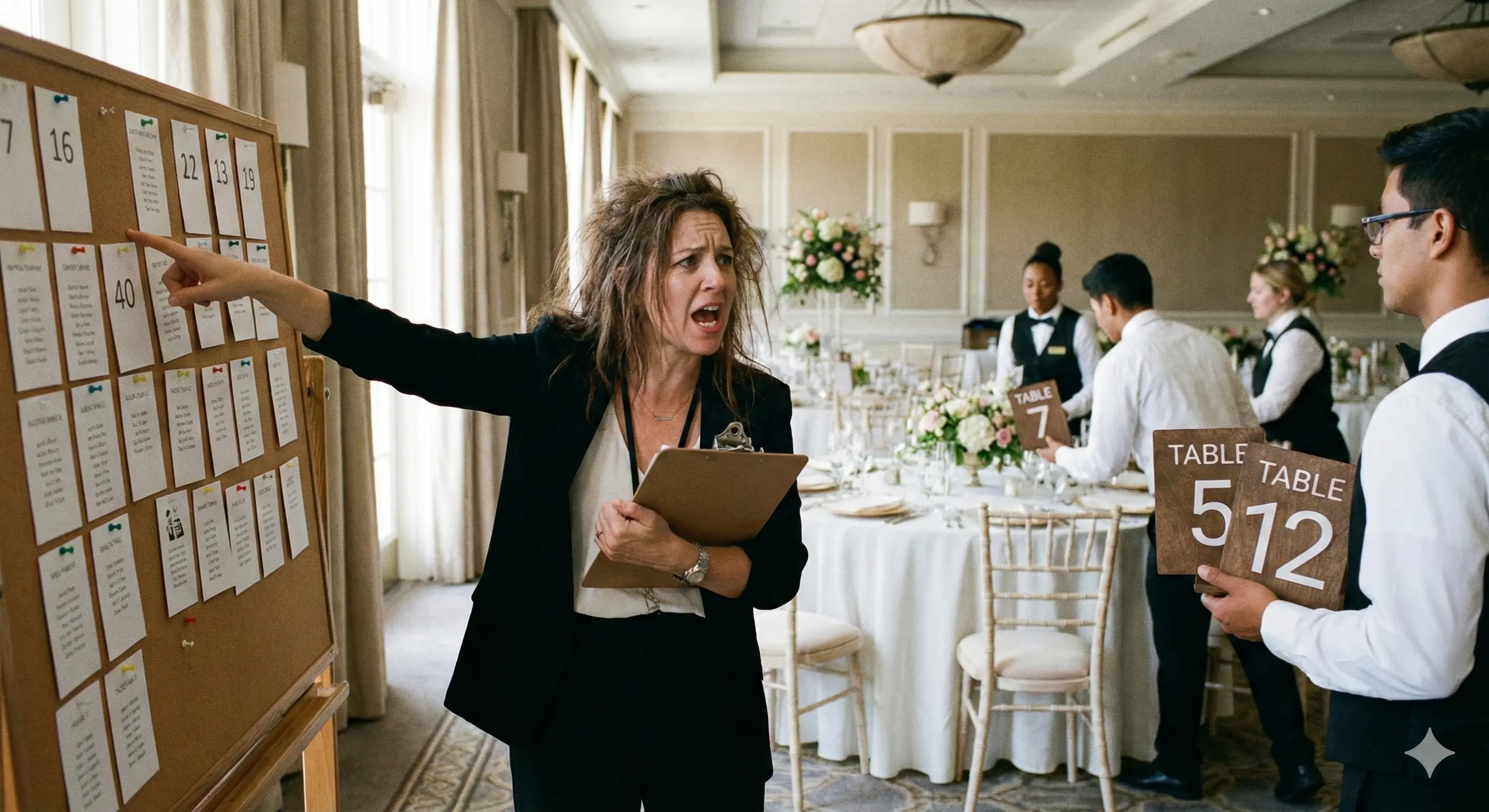
What to look for in a Mexican wedding seating chart tool
Try SeatCanvas — Free
Build your seating chart visually. Import guests, drag to tables, export a print-ready PDF.
Start Planning Free →Five real requirements. Everything else is decoration.
A guest cap that holds the full list
The first cut. Most “free” wedding seating tools cap at 20 to 50 guests and then push a subscription. For a 180-guest wedding, the free tier is a tease — you cannot even finish placing your mom’s siblings before the upgrade modal hits.
You want a tool where the math is honest. Either the free tier covers your actual count, or the paid tier is a flat one-time fee, not a monthly bill. SeatCanvas seats 40 free for the immediate family draft, then $19.99 one-time for everything else. For a 220-guest wedding, that is one Event Pass and the chart is done.
Spanish out of the box
Not Google-Translated. Built. If half your aunts are going to open the PDF on a Sunday, the version they see should not have “Bride Table” in the corner. SeatCanvas runs in Spanish at /es — the canvas, the import wizard, the export, the billing. The CSV importer accepts Spanish column names (Nombre, Acompañante, Alergias, Lado) and tildes render in both the on-screen canvas and the exported PDF.
This sounds minor until you watch a 78-year-old print out a chart that says “Sweetheart Table.” Print it once, in Spanish, and the kitchen-table veto round goes from forty minutes to five.
Import that handles a long Spanish guest list
A 180-guest list is not something you retype. It is already in a Google Sheet, an Excel file, or a Notes document — usually one a tía built three months ago with everyone’s confirmations and a column for “lleva pareja.”
The CSV/Excel guest list import needs to take that file as-is. Tildes intact. Plus-ones on the same row. Dietary notes in their own column. Whatever your aunt named the columns. SeatCanvas maps Spanish headers to its own fields in about ninety seconds for a 200-row sheet, plus-ones included.
A canvas big enough for twenty tables
A 220-guest wedding is roughly 22 rounds of ten or 18 rounds of twelve, plus the mesa de honor and a padrinos cluster. That is a lot of tables. The canvas has to be wide enough that you can see all of them at once when you zoom out, and precise enough that you can drag a single seat across the room when your prima switches tables on Thursday night.
The drag-and-drop builder on SeatCanvas runs on an infinite canvas. You can lay out 25 tables without panning and zoom in seat-by-seat when the final reshuffles start. The same canvas that works for a 30-person wedding works for a 250-person wedding — you just place more tables on it.
A print-ready PDF the venue can read
The venue coordinator wants one file. PDF, full-resolution, table numbers visible from the back of the room when she walks the floor with her clipboard.
The export should be a single click. No watermark. No “made with [tool]” footer. Just the chart, your event name, table numbers, guest names. SeatCanvas exports high-quality PDF at print resolution — A4 or letter, your call — with the names you typed in. Tildes and ñ render the same way they did on screen.
How to seat padrinos without making it weird
This is the part most generic seating-chart guides miss entirely.
In a Mexican Catholic wedding, the padrinos are not a single category. They are six to fourteen people split across distinct ceremonial roles. How you seat them tells everyone how you rank those roles. Do this casually and you will hear about it.
The defensible default looks like this:
Mesa de honor. Couple, both sets of parents. Sometimes grandparents if they are in town and mobile. Five to ten people. Front of the room, facing the dance floor. This is the table everyone photographs.
First round behind the mesa de honor. Padrinos de lazo and padrinos de arras together. These two pairs do the most visible work during the ceremony — the lazo placed over the couple, the arras handed off during the vows. Seat them together and the toast photos line up cleanly.
Second round. Padrinos de velación and padrinos de ramo. The velación padrinos are often older — close family friends or godparents from the couple’s baptisms. Ramo is usually a younger couple, often siblings. Seating them adjacent gives the ceremony a clear visual flow when the photographer cuts to them during the vals.
Third round. Padrinos de cojines, padrinos de pastel, padrinos de música. These roles are real but more practical than ceremonial. They are often close cousins or aunts and uncles who wanted to participate. Same camera distance from the dance floor as the velación round.
After that, the rest of the room is the usual family geography — both sides of immediate family closest to the head, extended family in the middle band, friends and coworkers on the perimeter.
The point is not to make the chart hierarchical for its own sake. The point is that during the ceremony, every padrino is publicly named and given a job, and the reception should not feel like the ceremony’s hierarchy got dropped at the door. Seating mirrors role. Anyone who knows the ceremony will read the chart and nod.
For weddings where the family politics on top of this are genuinely difficult — divorced parents on one or both sides, a stepparent who was a padrino, two godfathers from different generations — the same playbook applies, but you may need a second pass. The divorced-parents seating chart guide covers the parent-table version of that conversation. A quinceañera runs the same logic with a corte de honor; the quinceañera seating chart maker post covers that version.
The 90-minute playbook for a 200-guest Mexican wedding
This assumes a confirmed guest list in a sheet, a known venue, and a list of padrinos by role. If those three are in hand, the chart is one focused afternoon.
Minutes 0 to 5: Open the planner. Go to the SeatCanvas planner or /es/planner if you want the Spanish version. The canvas appears. Skip every onboarding popup — you do not need the tour for a 200-guest wedding any more than for a 30-guest one.
Minutes 5 to 15: Import the guest list. Drop the CSV or XLSX. The wizard reads the columns. Map “Nombre” to Name, “Acompañante” to Plus-One, “Lado” to Family Side, “Alergias” to Dietary. Confirm. The guests appear in the sidebar as 200 cards, plus-ones expanded into their own seats. A 200-row sheet takes about two and a half minutes end-to-end. Most of that is reading the column-mapping screen, not waiting on the import.
Minutes 15 to 30: Place the tables. Mesa de honor in the front center. First-row padrinos directly behind. Then the rest of the rounds — match the count to the venue’s floor plan, not the version in your head from the site visit four months ago. Leave the dance floor wide. The víbora de la mar needs a real circle, not the gap between two tables. If the venue has a stage for mariachi or DJ, place it now and zone the closest tables for guests who will not be dancing — older relatives, family with young kids, anyone the photographer asked to keep accessible.
Minutes 30 to 60: Assign immediate family and padrinos. Mesa de honor first. Then padrinos de lazo and arras directly behind. Then velación and ramo. Then cojines, pastel, música. Then both sides of immediate family — bride’s side on one half, groom’s side on the other, parents’ siblings closest to the mesa de honor, then grandparents’ generation, then cousins. This is the part of the chart that everyone notices, so it gets the most thought.
Minutes 60 to 80: Assign the rest of the room. Extended family by branch — your dad’s siblings’ kids on one round, your mom’s siblings’ kids on another. Family friends by era — the families you grew up next to in one cluster, work friends of the parents in another. College friends together. Work friends from each side at their own rounds. Plus-ones who do not know anyone seated next to someone who can carry a conversation, not at a corner round of nine plus-ones.
Minutes 80 to 90: Export and back up. PDF for the venue. CSV for the caterer with meal counts by table. Save the project to your account — the cloud save means you can come back from your phone when your tía calls Thursday night with a last reshuffle.
Ninety minutes of focused work. That is one Saturday morning. If the guest list has not closed yet, this is the draft you keep open and edit for the next two weeks instead of rebuilding it three times.
A general step-by-step that holds for smaller weddings too lives in how to create a wedding seating chart. The structure is the same — the numbers are just bigger here.
The short list of tools — honest reads
These are the names that come up most when planners and brides search “best seating chart tool for Mexican wedding.” Honest takes, not affiliate copy.
SeatCanvas
Best for: Mexican weddings of any size where you want the chart in Spanish or English, finished in one sitting, with no monthly bill after the wedding.
40 guests free with full canvas, import, and export — covers the immediate-family draft. $19.99 one-time for unlimited seats, which covers every wedding from a 60-guest civil to a 350-guest blowout. No subscription, no trial timer, no watermark. The whole app runs in Spanish at /es. CSV import handles Spanish headers and tildes correctly.
The honest limitation: SeatCanvas is a seating chart tool. It does not run your registry, manage padrino confirmations, or send out invitations. For most Mexican weddings, the registry is a Google Doc and the padrino confirmations are a group chat — a separate tool already exists for each, and bolting them into the seating chart would slow the seating chart down.
The deeper reasoning on why an event-priced tool beats a subscription for a one-night event lives in the budget wedding seating chart comparison.
The Knot, Zola, WeddingWire
Best for: couples already living inside one of these planning suites who want the seating module as one tab among many.
The seating tools inside these platforms are functional. They were built for the median American wedding — 120 guests, one sweetheart table, no padrinos category — which means the structure for a Mexican wedding has to be improvised. None of them ship in Spanish as a real locale. None of them have a “padrinos by role” concept; you label tables manually and hope guests read the labels.
They also charge for the full suite, not the seating module alone. The Knot ships printable seating chart templates: you print a blank chart and fill it in by hand rather than dragging guests into seats. And adopting a whole planning suite for one Saturday afternoon is a heavy lift. The Knot seating chart breakdown covers the trade-offs. Zola bundles its chart with the whole suite and caps the free tier at 15 guests; the Zola seating chart comparison sets that against what SeatCanvas gives you free. The WeddingWire seating chart comparison does the same for the third suite.
Canva, Figma, slide-deck tools
Best for: design-first couples who want full control of the visual style of the chart and have a designer in the family.
A Mexican wedding chart in Canva can be beautiful — full-bleed background, custom typography, hand-placed names. It will also take eight to twelve hours to build and another two hours to update every time someone confirms or cancels. For a 30-guest wedding, that is fine. For a 200-guest wedding, it is unworkable. You will update the chart five times between RSVP-close and the rehearsal, and each Canva rebuild costs an hour.
The Canva seating chart comparison walks through why a real seating tool wins for the editing rounds, even if Canva wins for the print poster on the welcome table.
Excel and Google Sheets
Best for: tracking the guest list before the chart starts. Not the chart itself.
Sheets are great for the master guest list — invites sent, RSVPs received, dietary, plus-one, padrino role. Sheets are bad for the seating chart, because you cannot see in a row of cells that grandmother is next to the speaker stack or that the bride’s college friends are stuck behind a structural pillar.
Keep the sheet for the list. Move the chart into a real canvas the day the guest count crosses 60. Past 150, the spreadsheet-as-chart approach starts costing you actual time in retyping and reformatting for the caterer.
Subscription seating chart sites
Best for: not a Mexican wedding. Not any one-night event.
A monthly subscription is the wrong shape of bill for a wedding. The chart takes one focused afternoon and the wedding happens on one Saturday. A monthly fee is shaped for a planner running fifteen events a year, not for a couple running one. Same goes for “free for the first month” trials that silently convert the week of the wedding — that is a bill arriving with the gift envelopes.
The large wedding seating chart guide covers why a one-time fee beats a subscription specifically when the guest count crosses 200.
The day-of safety net
Mexican weddings have a high tolerance for last-minute additions. Your tía’s compadre is in town unexpectedly. Your cousin’s kid wandered up from out of state on Friday night. The Saturday-morning chart usually grows by three to six guests between Friday night and the welcome drinks.
Build for it.
Two buffer seats per cluster, not per table. Reserve one open seat at the round of cousins, one open seat at the round of family friends, one at the parents’ coworkers, one at the college friends. That is four buffer seats across the room, less than 2% of a 220-guest count. Use them or do not. Either way they cost you nothing on the print.
One buffer table for the truly unplanned. Round of ten on the perimeter, no assigned guests, labeled with a neutral “Mesa 22” or “Mesa Extra.” If the unexpected arrivals show up as a unit — your tío’s family flew in late — they sit together at the buffer round. If they show up as singletons, they go into the open seats at the existing rounds.
Re-export the day before, in both languages if you printed both. Drag the no-shows off, place the surprise yeses, regenerate the PDF and the CSV. Email the venue and the caterer that night, not the morning of. The day-before re-export takes ten minutes if the chart is in a real tool. It takes a full evening if the chart is in Canva.
Bring a phone copy. Pull up SeatCanvas on your phone or your maid of honor’s phone. When a guest insists they are at the wrong table — and there is always one — you can check the live version in eight seconds, not the printed version from Thursday night that may already be wrong.
The chart is a working document until the toasts start. A Mexican wedding chart lives by the same rule, just on a longer scale because the count is bigger.
What to skip
Three temptations specific to Mexican weddings. All of them sound like “doing it right.”
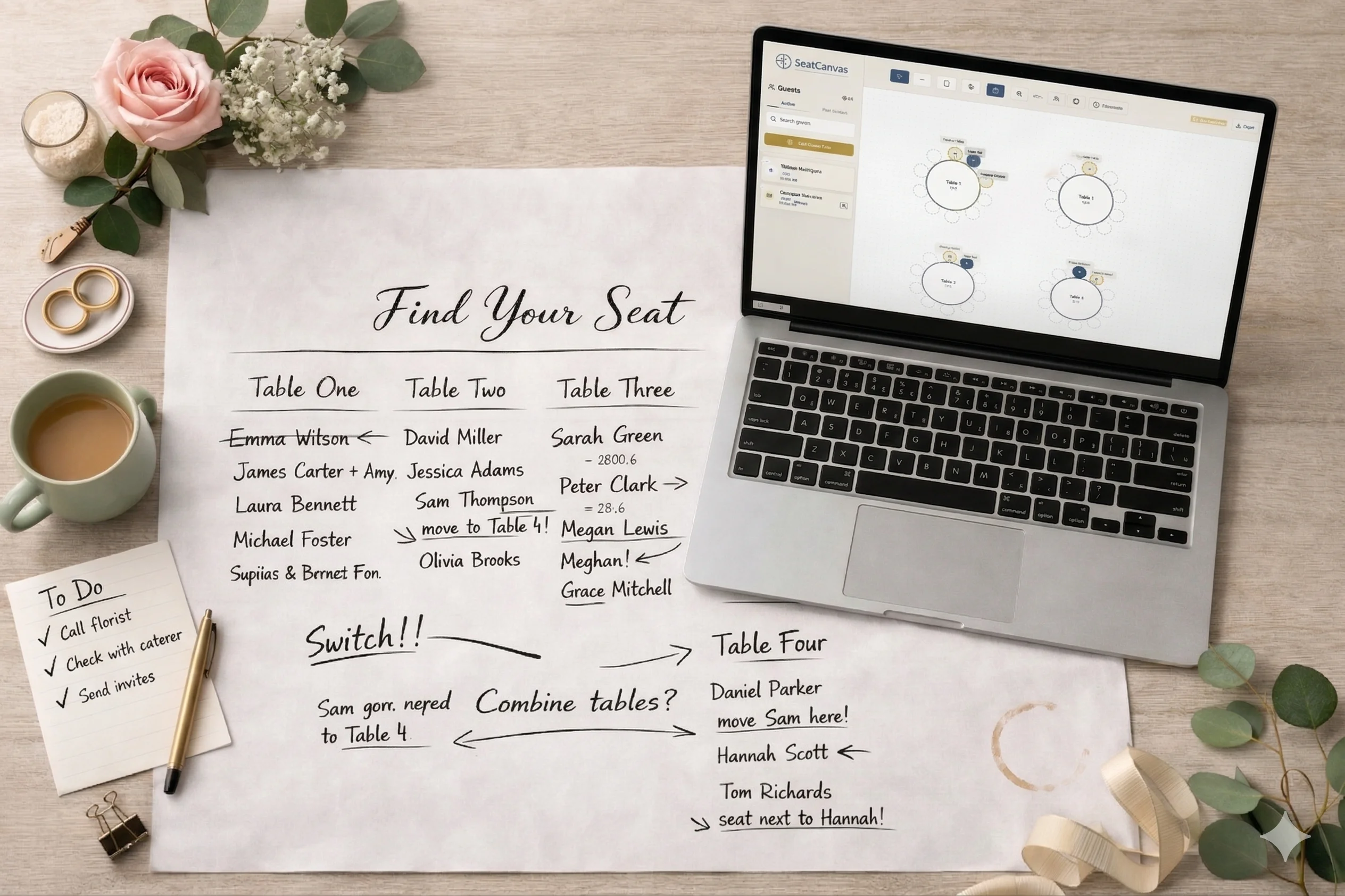
Sub-grouping cousins by exact age within a generation. You will lose two hours sorting your dad’s siblings’ kids by birth year. The cousins will resort themselves the minute they walk in. Seat them on the same side of the room and let them figure out the chairs.
Custom table names for each padrino role. “Mesa de Padrinos de Lazo” engraved on the table card sounds nice and reads beautifully in the welcome-table photo. It also confuses every guest who is not a padrino and looking for table 4. Number the tables 1 through 22 like a normal chart. Tell the padrinos verbally which table is theirs. Save the calligraphy for the menu.
Rebuilding the chart twice because your prima sent a “better” guest list. Once the first draft exists, edit it. Do not rebuild it from the new spreadsheet your prima found on her phone that has three different spellings of your apellido. Three edits on top of a working chart beat two clean rebuilds every time, and the rebuild cost on a 200-row import is real — even at ninety seconds per import, the column-remap conversation eats a half hour each round.
Color-coding by padrino role on the printed chart. This is the one place where “do less” is the better instruction. The guests do not need to see the role taxonomy on the chart on the welcome table. They need to see their name and a table number. Save the role hierarchy for the seating logic — apply it when you place the rounds, not when you print the final.
Common questions
What is the best seating chart tool for a Mexican wedding?
SeatCanvas. It runs in Spanish and English, imports a guest list from Excel or Google Sheets without re-typing 180 names, and exports a print-ready PDF for the venue. The free tier seats 40, which covers the immediate family draft. The Event Pass is $19.99 one-time for the full guest count — no subscription chasing you past the wedding.
How do you seat padrinos at a Mexican wedding?
Padrinos sit closest to the couple at the reception, usually one or two tables back from the mesa de honor — close enough to be photographed during the vals and the brindis, far enough that the head table is not twenty people deep. Group padrinos by role when you can: padrinos de lazo and arras together, padrinos de velación at the next round, padrinos de ramo and cojines at the third. The chart should mirror the order of the ceremony so guests already know roughly where they belong.
Does SeatCanvas support Spanish?
Yes. The whole app — canvas, planner, guest list, billing — runs in Spanish at /es. The CSV import accepts Spanish column headers (Nombre, Acompañante, Alergias, Lado), and the PDF export prints with whatever names you typed in. Tildes and ñ render correctly in both the canvas and the export.
How many guests does a typical Mexican wedding have?
Most Mexican weddings I have seen land between 150 and 300 guests, with the long tail of family-heavy weddings pushing past 400. Extended family — primos, tíos, abuelos, compadres — is treated as immediate by default, which is why the guest list is usually two to three times bigger than the average non-Latino wedding. Pick a tool that can hold the full count without a per-seat fee.
Do I need separate tables for the mass and the reception?
Only if the venues are different. The mass is usually open seating with family in the front pews and guests behind — no chart needed beyond a reserved sign on the first three rows. The reception is where the real chart lives: assigned tables for 150 to 300 people, the mesa de honor for the couple and parents, and the padrinos within camera range of the vals.
Should we have a kids’ table at a Mexican wedding?
For kids over six, usually yes — a round of eight to ten in a corner with a clear sightline to a parent’s table works. For kids under six, no — they end up on a parent’s lap by the second song regardless of where the chart placed them. The chart should assume that and seat the parents at a round with two extra side chairs, not at a round of ten where the kid has nowhere to migrate.
Can SeatCanvas handle a 300-guest chart?
Yes. The canvas has no upper guest limit on the Event Pass. A 300-guest chart is 30 rounds of ten and takes about two and a half hours of focused work end-to-end, including the import. The pricing is still $19.99 one-time, regardless of whether the chart is for 50 guests or 500.
A Mexican wedding chart is a bigger chart with extra structure, not a different kind of chart. Padrinos, mesa de honor, family geography, two languages — those are the variables. The basic job is the same as every other wedding: place tables, assign guests, print a PDF the venue can read.
The tool either keeps up with all of that without making you fight it, or it does not. The ones that do not show up loudly the first time you try to import 200 rows or change the language to Spanish.
If you want to test the timeline on a real chart, open SeatCanvas and drop in whatever guest list you have so far. The first 40 seats are free — enough to draft the mesa de honor and the padrinos rounds before you commit. If your wedding is bigger than that, $19.99 one-time covers the rest, and the chart is done before lunch.
✦ Google Preferred Source
Want to see more SeatCanvas stories on Google?
You can ask Google to show SeatCanvas more often in your own Top Stories and supported Google experiences. This personalizes your account; it does not raise SeatCanvas for everyone.
Google's control loads only after you choose Continue with Google.