

A last-minute bride does not need a tour of a seating chart tool. She needs the chart finished by Thursday so the caterer can print the meal counts and the venue can confirm the floor plan.
This is the post for that bride. Or the maid of honor who just inherited the seating chart on day eleven. Or the planner who took on a wedding three weeks out because the original planner ghosted.
Most “best seating chart” guides assume you have six months. We are going to assume you have eleven days, a guest list in a Google Sheet, and a venue diagram on someone’s phone. The math changes when the clock changes.
The short version: If the wedding is in the next four weeks, you want a tool you can learn in 30 minutes, a CSV import that does not ask you to retype 80 names, and a PDF export that works the first time without a trial conversion. SeatCanvas is built for exactly that profile — free up to 40 seated guests, $19.99 one-time after that, and the whole chart usually takes one focused afternoon. Skip anything with a 14-day trial that times out before your wedding does. Skip anything that hides the export behind a higher tier.
What “last-minute” actually means for the seating chart
The seating chart is one of the last things to lock in for a reason. It depends on RSVPs, and RSVPs come in late by design.
“Last-minute” is not one timeline. It is three.
14 to 28 days out. RSVPs are mostly in. You have a guest count plus or minus six. The venue layout is set. This is the window where the chart actually gets built. Everything before this was just collecting names.
7 to 14 days out. Final-final RSVPs are landing. A cousin who said no in March is now a yes. A college friend’s plus-one became a fiancé. The first draft of the chart exists and is being adjusted.
Under 7 days. You are not building. You are reseating. A guest cancels at day four and a different friend asks to bring their kid at day three. The chart needs to flex without a re-draw.
A seating chart tool that punishes you for the day-three reshuffle is the wrong tool. A tool that lets you drag one guest from table 8 to table 12 in two seconds is the right one.
This is also where most subscription tools start to leak time. A trial that started during the engagement runs out the week of the wedding. You are now paying for another month or re-creating the chart in a different tool with five days left. The cost of a free trial is rarely the dollar. It is the timing of when the trial ends.
The four things a last-minute bride needs from a seating tool
Try SeatCanvas — Free
Build your seating chart visually. Import guests, drag to tables, export a print-ready PDF.
Start Planning Free →Everything else is a distraction. These four matter.
A learning curve under 30 minutes
You do not have time for a tutorial library, a 12-minute “getting started” video, or a Discord community to ask why the table won’t rotate. The tool should make sense in the first ten minutes or it is the wrong tool.
The fastest test: open the planner cold, with no instructions, and try to place one round table with ten chairs. If it took more than a minute, the tool is too heavy for your timeline. Move on.
SeatCanvas opens to a blank canvas with a sidebar. Tables are buttons. You click, it appears, you drag. There is no project setup, no wizard you have to complete first, and no required account creation before you can see the canvas.
CSV or Excel import that does not require retyping
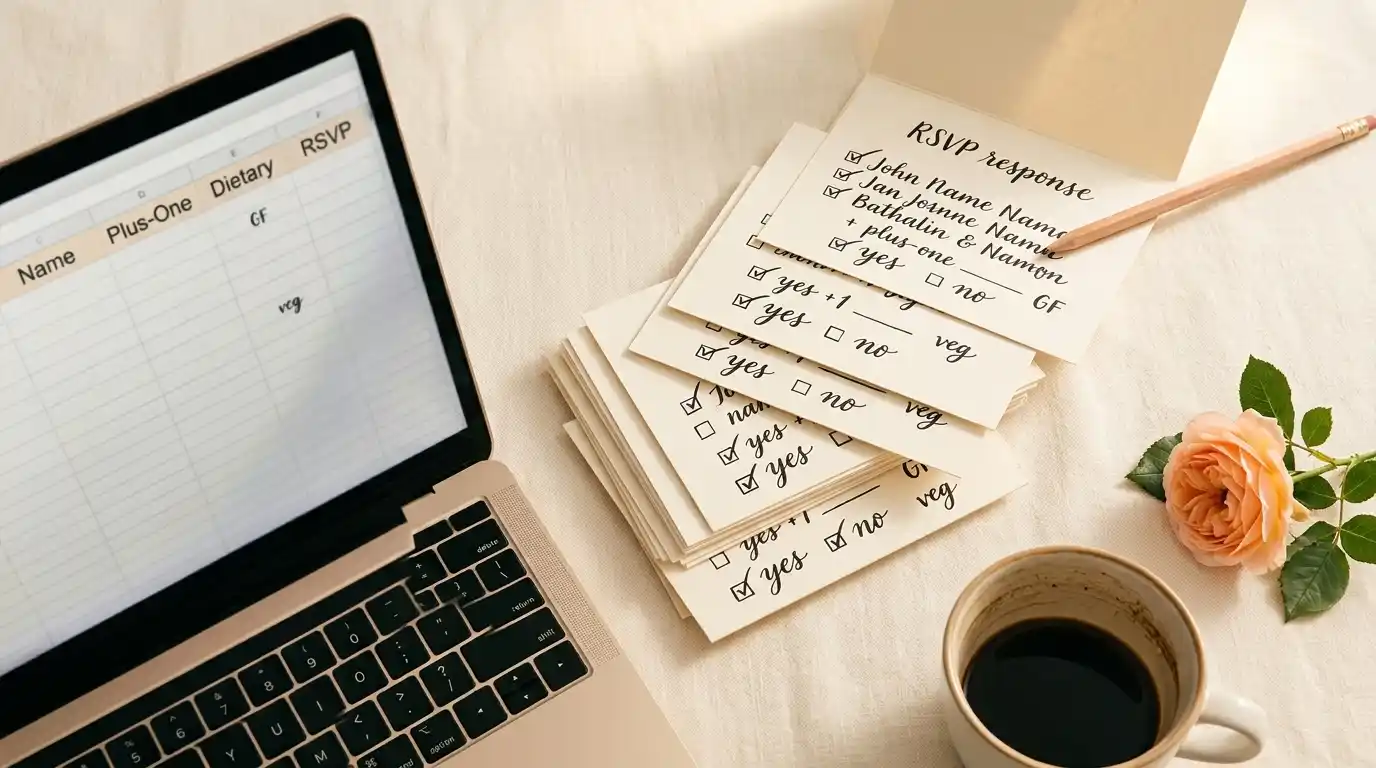
Your guest list lives in a spreadsheet. It has been the source of truth for six months. It has plus-ones, dietary flags, table requests from grandma, and probably one column called “RSVP???” with mixed answers.
Retyping that into a seating tool, by hand, is a four-hour tax. Last-minute brides cannot afford the four hours. A tool that ingests the sheet, maps the columns to its own fields, and skips the blanks is non-negotiable.
The CSV/Excel guest list import in SeatCanvas was built for exactly this moment. Drop the file, confirm the column mapping, let it handle plus-ones as their own seats. The whole thing takes about four minutes for a 100-guest sheet. That is the same job that takes 90 minutes by hand.
Drag-and-drop that survives the day-three reshuffle
A digital chart is only useful if it edits faster than a paper one.
Pen-and-paper seating works fine until the eighth change request. After that you are erasing more than you are writing, and the chart is illegible by the time the caterer needs it. A late-stage bride has at least one reshuffle a day in the final week. The tool has to keep up.
Drag-and-drop placement means: click a guest, drag to a new seat, done. No menus, no confirmation modals, no “are you sure you want to move Aunt Diane” dialog. SeatCanvas treats moves the way a spreadsheet treats edits — fast, undoable, immediate.
Exports the venue and caterer will actually accept
The seating chart is not a personal document. It exists so the caterer knows how many gluten-free meals go to table 7 and the venue knows where the dance floor goes.
Three exports usually matter:
- A printable PDF of the layout. For the venue coordinator and the day-of helper.
- A guest-list CSV with table assignments. For the caterer’s meal counts.
- A PNG or PDF of the escort cards or table list. For the welcome table at the wedding.
High-quality PDF and PNG exports at print resolution should be included at every tier. A tool that locks the PDF behind an upgrade modal the day before your wedding is, in practical terms, broken. You found that out at the worst possible time.
The short list for last-minute brides
These are the tools that come up most when someone is racing the clock, with an honest read on each.
SeatCanvas
Best for: a bride or planner who has 14 days or less and wants the chart finished without a learning curve or a subscription trap.
Free up to 40 seated guests, $19.99 one-time for unlimited. Full import, full export, full canvas at every tier. No 14-day trial that converts on the day of the wedding. No monthly bill that survives the honeymoon.
The honest limitation: SeatCanvas does not run your whole wedding planning suite. If you also need vendor checklists, budgets, and registry tools in one place, this is the wrong product. If you need the seating chart finished by Friday, it is the right one.
Pen and paper
Best for: 18-guest backyard weddings where the seating chart is one rectangle.
Free, universal, and the worst possible workflow once the guest count crosses 30. Every change is an eraser mark. By day three of revisions the chart is unreadable, and the caterer ends up working from a photo on your phone. For very small weddings this is fine. For anything bigger it is a false economy.
Spreadsheets
Best for: tracking the guest list, not building the chart.
The spreadsheet is exactly where your list should live before the chart starts. It is exactly the wrong place for the chart itself. You cannot see that grandma is seated next to the speakers in a spreadsheet. You can only see that grandma is in row 47, which is not the same information.
Keep the spreadsheet as the input. Move the chart to a real canvas.
The Knot, Zola, WeddingWire seating tools
Best for: brides already living in one of these planning ecosystems with enough lead time to set up the platform.
These tools are real. They are also the wrong shape for a 14-day window. Setting up a full planning suite, then learning its seating module, then importing your guest list, is more onboarding than a last-minute bride should be doing. If you are not already in one of these platforms by day 14, do not start now. See the Canva seating chart alternative breakdown and the Knot seating chart breakdown for the long form, the Zola comparison, or the WeddingWire seating chart comparison, if that is the suite you are half-set-up in.
Trial-locked seating chart sites
Best for: nothing, in your timeline.
A 14-day free trial that converts the day before your wedding is the worst case for a last-minute bride. You will either pay for another month the week of the wedding, miss the conversion email and get billed retroactively for the months you missed, or lose access to the chart at the worst possible moment. Verify the pricing model before importing your guest list. If the homepage does not say what the export costs, treat it as a paid tool.
The free seating chart maker post covers the field in more detail. The short version: most “free” sites are trials in disguise.

The 90-minute seating chart: a tight playbook
This assumes you have a clean RSVP spreadsheet and a rough venue diagram. If you have those two, the chart itself is shorter than a movie.
Minutes 0 to 5: Open the tool. Go to the SeatCanvas planner. Click “New Project.” Skip every onboarding modal. You do not need them. The canvas is enough.
Minutes 5 to 15: Import the guest list. Drop your CSV or XLSX. Map the columns. Confirm. The guests are now a list in the sidebar, with plus-ones already split into their own seats. If anything imported wrong, fix it now — it is faster to clean five rows than to live with them through the chart.
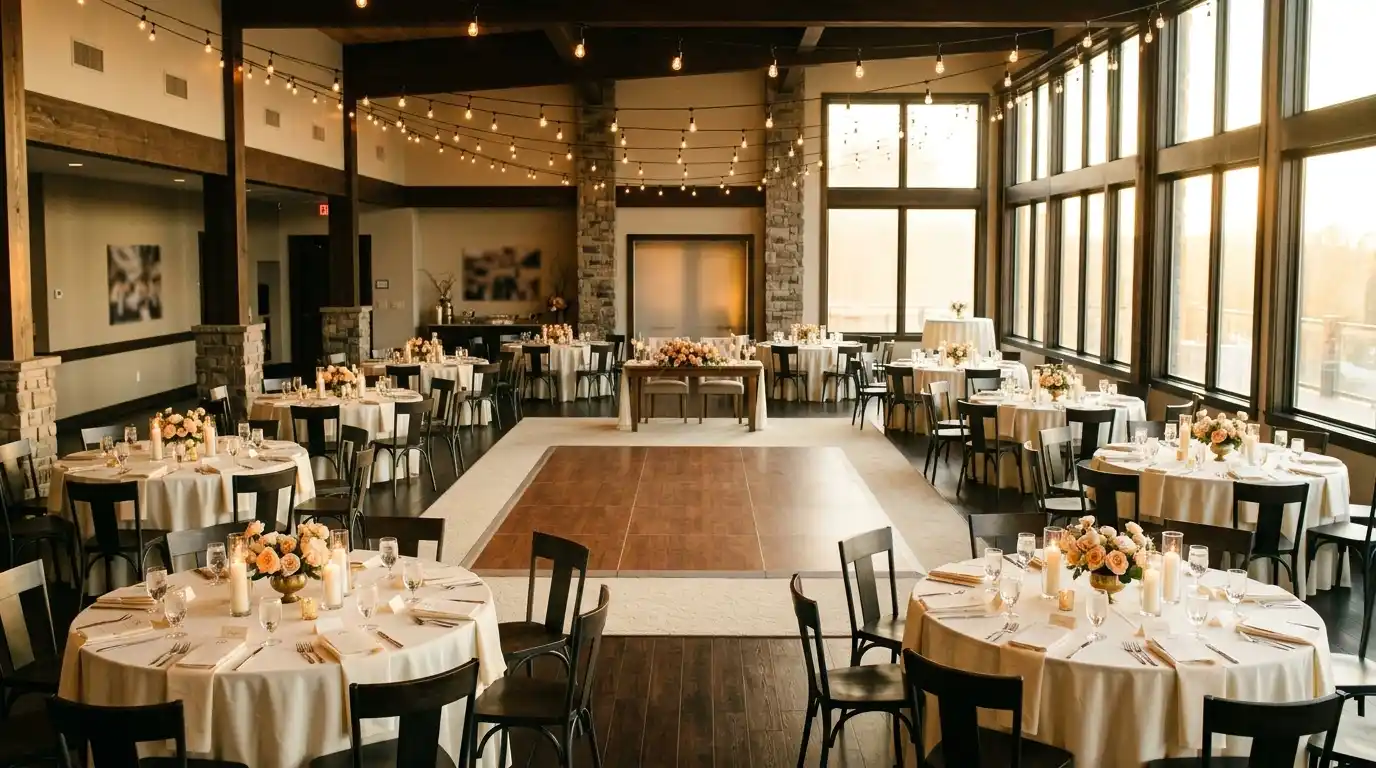
Minutes 15 to 30: Place the tables. Drop round tables for the body of the reception. Drop one head or sweetheart table near the dance floor. Drop one buffer table off to the side for late additions. Match the count to your venue’s actual floor plan, not the one you imagined six months ago.
Minutes 30 to 60: Drag guests onto tables in clusters. Start with family. Bride’s side, groom’s side, oldest first. Move to friend groups. Then plus-ones. Then the awkward singles table — and the awkward singles table is real, and that is fine.
Minutes 60 to 80: Resolve the conflicts. Every wedding has them. The cousin who cannot sit near the in-laws. The high school friends who broke up two months ago. Two clusters of seven that should be one cluster of fourteen. Do this in one focused pass with the drag-and-drop builder, not over five separate sessions.
Minutes 80 to 90: Export the first round. PDF for the venue. CSV for the caterer. Send both before the day ends. The chart is now real. It will change five more times before the wedding, but the first version exists, and that is the milestone that unlocks everything downstream.
That is the chart. Ninety minutes of focused work, not a month of “I’ll get to it on Sunday.” If you have eleven days left, this fits comfortably in any one of them.
The day-of safety net
The chart you exported a week ago is no longer the chart. The chart on day-of is the chart with the four cancellations, the two surprise additions, and the kid who turned out to need a high chair.
A last-minute bride needs a tool that flexes that late, not a printed PDF that locks in a draft from week three.
The two moves that matter:
Re-export the day before. Drag the four no-shows off their tables. Add the two new yeses to the buffer table you put aside in minute 30. Export a fresh PDF and CSV. Email both to the venue and caterer that night, not the morning of.
Bring a phone copy. Keep the SeatCanvas chart open on your phone the day of the wedding. If a guest insists they are at table 11 when you placed them at table 7, you can check in eight seconds without finding the day-of helper.
The chart is a living document until 6 pm on the wedding day. A tool that treats it like a one-shot export is the wrong tool.
How to budget your remaining time
Last-minute brides usually overestimate how long the seating chart will take and underestimate everything else. Here is the honest split:
Seating chart total: 90 minutes of build, plus 30 minutes per reshuffle. Two or three reshuffles between draft and wedding day is normal. Total time investment is three to five hours.
Spreadsheet cleanup: 30 to 60 minutes. This is where most of the chaos lives. Mixed RSVP responses, missing last names, plus-ones not yet confirmed, dietary notes in the wrong column. Clean the sheet before the chart, not during it.
Vendor communication: 60 minutes total across the planning window. One email to the venue with the floor plan PDF. One email to the caterer with the guest list CSV. One follow-up to each with the final version. Six emails total, and they each take ten minutes.
Day-of buffer: 30 minutes the morning of. Phone check, last-minute reseat if a guest no-shows, quick confirmation with the day-of helper. Do not try to make changes from your dressing room. Hand the phone to the helper and let them handle it.
That is roughly six hours total, spread across the planning window. A last-minute bride with eleven days has plenty of room for this. The trap is treating the seating chart as a thirty-hour project. It is not. It is a three-to-five-hour project, and the rest of the time is just RSVPs settling.
What to skip when you are out of time
Three temptations to ignore.
Custom table shapes for the perfect aesthetic. If your venue gave you round tables and rectangulars, the chart uses round and rectangular. Do not lose an hour rotating a hexagon to match a Pinterest board. The guests are not looking at the chart. They are looking at the food and each other.
Color-coding by family side. Useful for very large weddings. Time-eating for a 14-day timeline. The caterer does not care which side of the family a guest belongs to. Skip the coloring and move on.
A second draft from scratch. Once you have a working chart, edit it. Do not rebuild it because you read a blog post saying you should do it differently. Five reshuffles on top of a first draft is faster than two clean rebuilds.
The seating chart for a last-minute wedding is a draft, then edits, then a final. Anything in between is procrastination dressed up as planning.
Common questions
What is the fastest wedding seating chart planner for a last-minute bride?
The fastest path is a tool that accepts a CSV or Excel guest list, lets you drag tables onto a canvas without a tutorial, and exports a printable PDF without a paywall. SeatCanvas does all three in one flow. Most brides finish a first draft of the chart in under 90 minutes from a clean RSVP sheet.
Can I really build a wedding seating chart in two weeks?
Yes. Two weeks is plenty if the guest list is in a spreadsheet and the venue layout is known. The chart itself is roughly 90 minutes of focused work plus a second pass after the final RSVPs land. The hard part is not the chart. It is corralling the last twelve RSVPs.
What if RSVPs are still trickling in the week of the wedding?
Use a digital tool that lets you swap guests between tables instantly. Keep one or two buffer seats per 40 guests for late confirmations. Re-export the PDF the day before the wedding so the caterer and venue get the final count, not the draft from three weeks out.
Do I need to pay for a seating chart tool if I am running out of time?
For weddings under 40 guests, no. SeatCanvas seats 40 on the free tier with full canvas, full import, and full export. Past 40, the Event Pass is $19.99 one-time. A free trial that converts into a monthly subscription is the wrong shape of bill for a one-time event happening in two weeks.
Is it worth learning a new tool with so little time left?
Only if the tool is fast to learn. A 30-minute learning curve is fine. A 3-hour onboarding is a disaster on a 14-day timeline. The test is: can you place your first table within sixty seconds of opening the canvas? If yes, the tool is worth your time. If no, find a different one.
What about doing the chart on paper?
Paper works for 20 guests at one round table. Past that, the late-stage reshuffles destroy the chart, and you end up redrawing it on the morning of the wedding. Digital is not luxury here. It is the cheaper option once the guest count crosses 30 and the timeline crosses 14 days.
A last-minute wedding does not need to feel last-minute. The seating chart is one of the most controllable things on your list — it depends on data you already have, software that takes minutes to learn, and an afternoon of focused work. The rest of the wedding will surprise you. The chart does not have to.
If you want to test the timeline, open SeatCanvas with your current RSVP list. Drop the CSV in. The first 40 guests are free. If your wedding is bigger than that, the one-time $19.99 covers it through the day of, and the chart is finished by dinner tonight.
✦ Google Preferred Source
Want to see more SeatCanvas stories on Google?
You can ask Google to show SeatCanvas more often in your own Top Stories and supported Google experiences. This personalizes your account; it does not raise SeatCanvas for everyone.
Google's control loads only after you choose Continue with Google.