
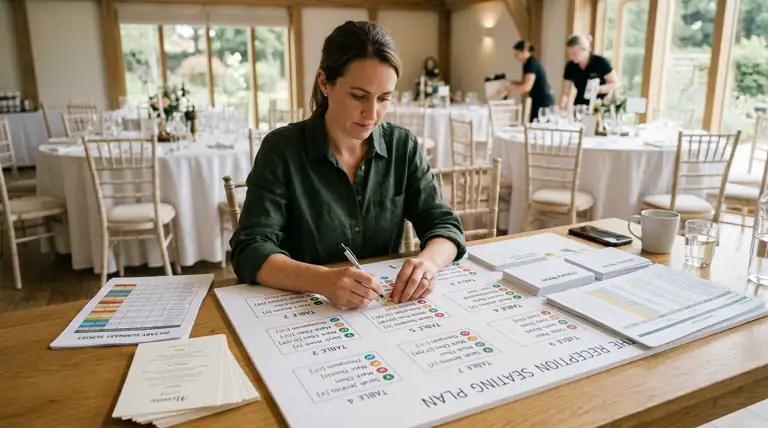
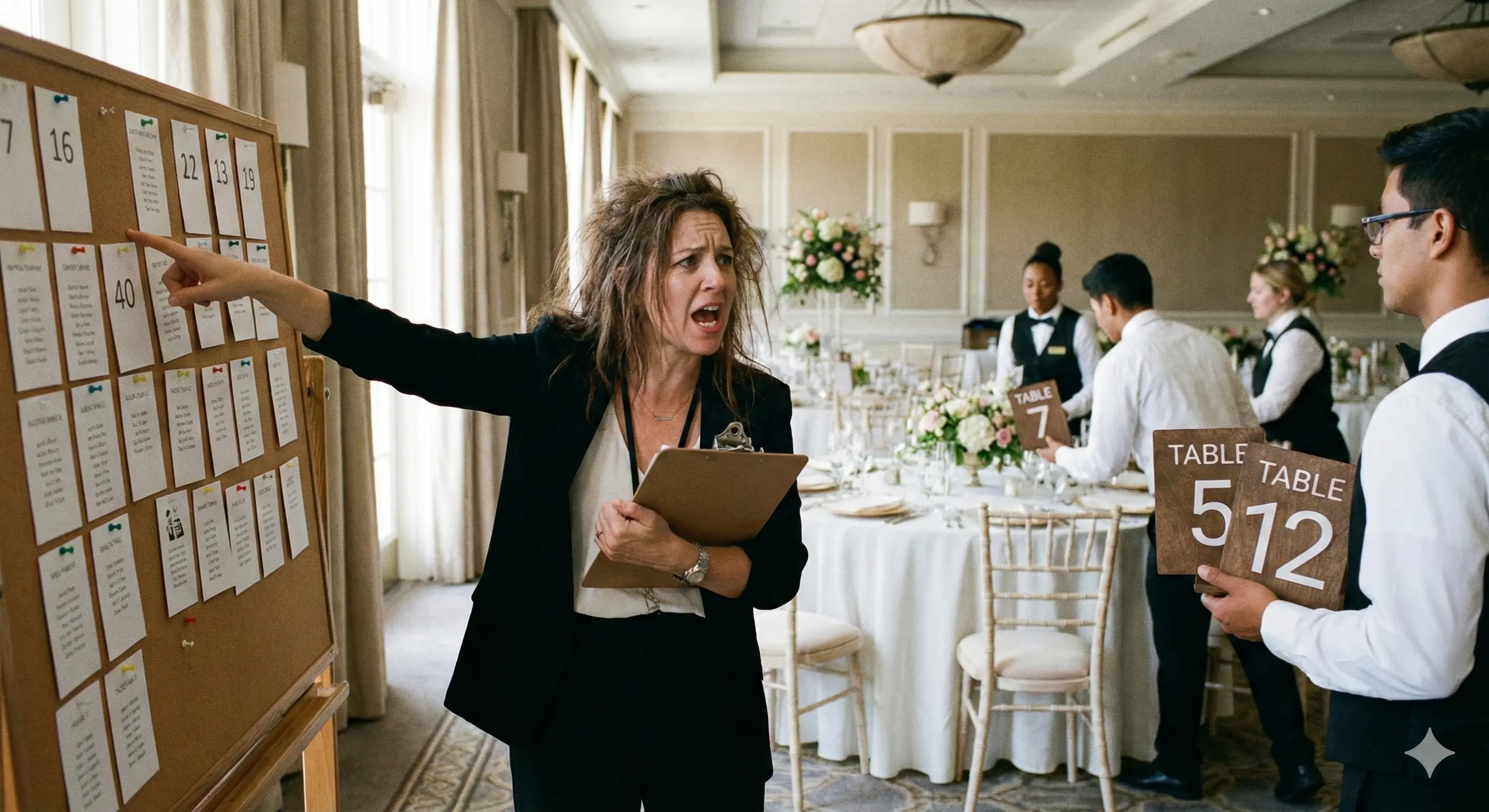
Most wedding seating advice treats the meal as someone else’s problem. You seat the room by who likes whom, hand the caterer a headcount, and hope the vegan plate finds the vegan. It usually does not. The gluten-free entree lands two seats over, a server asks “who had the fish?” mid-toast, and the guest with a real nut allergy spends the reception quietly interrogating every dish.
The fix is not a spreadsheet on the side. It is a chart where the meal note lives on the guest, travels with the guest, and prints for the caterer in one document.
This is how to plan a wedding seating chart when a chunk of the room eats differently — the setup, the one seating rule that actually matters, and the tooling that keeps the meal notes attached to the right chairs.
The short version: A wedding table planner for guests with dietary restrictions needs three things: a guest import that keeps a meal or dietary column as a per-guest note, a real canvas where you seat by relationship and drag freely, and a print-ready export the caterer can read table by table. SeatCanvas does all three. Free up to 40 seated guests, one-time $19.99 Event Pass past that. Anything that makes you keep a separate dietary spreadsheet and re-key names into a template is the wrong shape.
How do you handle dietary restrictions in a wedding seating chart?
Track the restriction against the guest, not the table. The meal note belongs on the name — Aunt Carol is gluten-free whether she sits with the cousins or the college friends. So the note has to move with her when you reshuffle, and it has to be visible when the caterer reads the finished chart.
Dietary needs are more common at weddings than the old templates assume. According to Food Allergy Research and Education, about 33 million Americans live with a food allergy — roughly 1 in 10 adults and 1 in 13 children. The Celiac Disease Foundation puts celiac disease at about 1 in 100 people worldwide, and that is before you count the guests who choose gluten-free, vegan, or vegetarian by preference — about 4% of US adults identified as vegetarian and 1% as vegan in Gallup’s 2023 poll. Add kosher, halal, and kids meals, and a 120-guest wedding can easily carry 20 to 30 special plates.
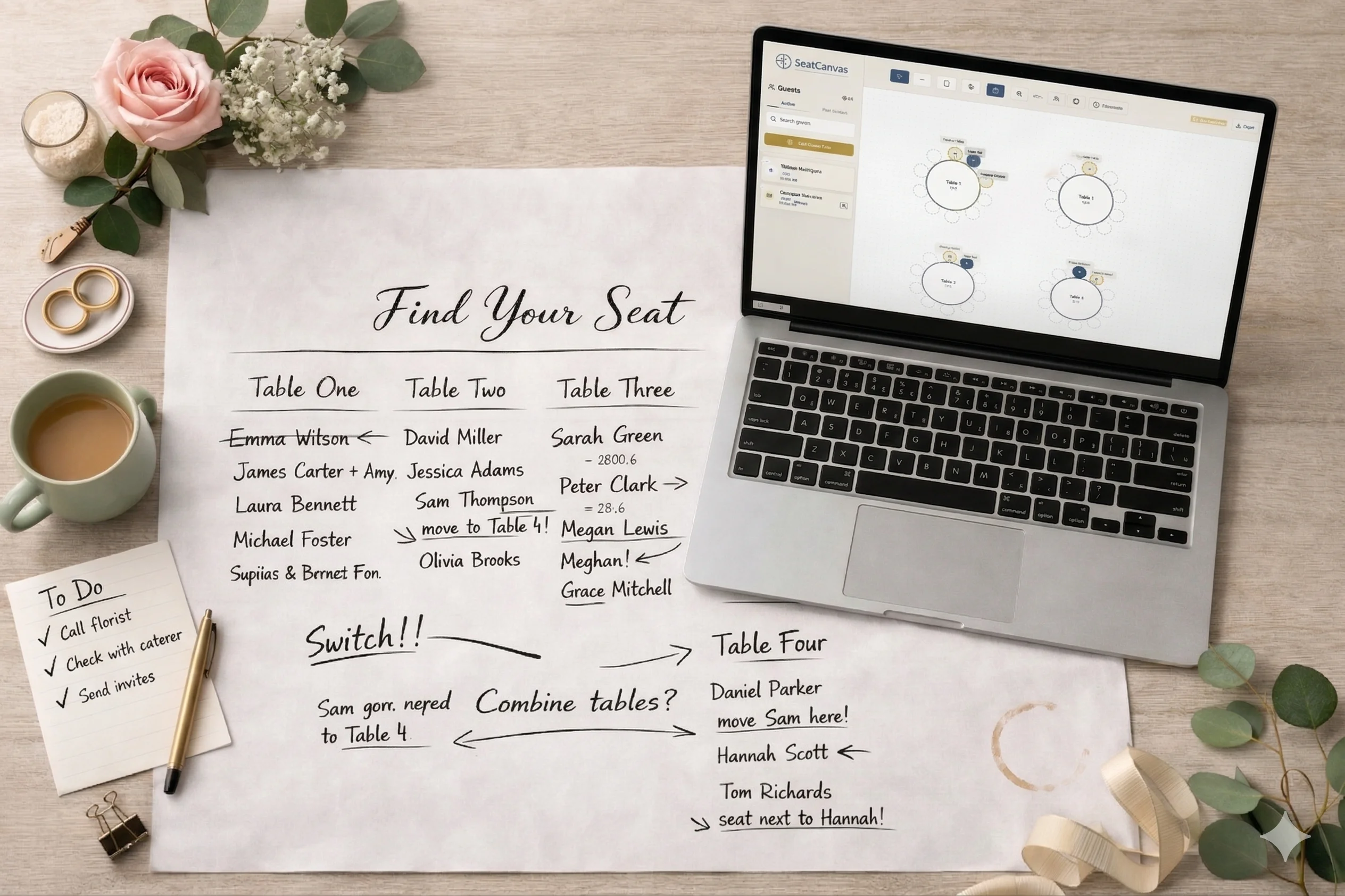
That volume is why the side-spreadsheet method breaks. Two documents that have to agree — a seating chart and a dietary list — drift the moment someone changes tables. The chart says table 6; the meal list still says table 4. The caterer trusts the wrong one. Keep the meal note on the guest inside the chart and the two documents become one.
Should guests with allergies sit together at a wedding?
Try SeatCanvas — Free
Build your seating chart visually. Import guests, drag to tables, export a print-ready PDF.
Start Planning Free →No, not as a default. Seat people by relationship first, exactly the way you would for any wedding. A “vegan table” and an “allergy table” sound tidy on paper and read as a quarantine in the room. The point of the reception is that people talk to people they like. Meal type is a kitchen concern, not a social one.
There is one real exception, and it is worth taking seriously: a severe, life-threatening allergy. A guest with nut or shellfish anaphylaxis is a different case from a guest who prefers oat milk. For that seat, a small buffer from the dish that could hurt them, plus a flagged note the caterer actually sees, matters more than perfect table symmetry. That is a handful of seats at most, not a seating philosophy.
For everyone else — vegetarian, gluten-free, kosher, halal, pescatarian, dairy-free — the note travels with the guest and the social logic wins. If it happens to help the kitchen to have four of the six vegan plates at the same table, fine, nudge them together when it costs nothing socially. Never force it.
What to look for in a wedding table planner for dietary restrictions
Most feature lists are filler. For this specific problem, four things carry the whole job.
A guest import that keeps your meal column
The single most important feature. Your dietary information already exists — it came in on the RSVP cards and lives in a spreadsheet column. A planner that imports the guest list but drops every column except the name forces you to re-enter 30 meal notes by hand. A planner that keeps a custom column as a per-guest note saves that hour.
SeatCanvas — a free drag-and-drop wedding seating chart maker — handles this through the Excel and CSV guest import. A “Meal” column and an “Allergy” column in your spreadsheet preserve through the import as guest notes. If a column does not map on the first pass, you add it in about two minutes instead of retyping the list.
A note field on every guest, visible on the chart
The meal type has to be attached to the name and readable on the finished layout, not buried in a settings panel three clicks deep. When the note sits under the guest on the canvas, you can see at a glance that table 9 has three gluten-free plates and table 3 has the one nut-allergy guest. That glance is the whole value. A tool that hides guest notes is a tool you cannot QA.
Free movement on a real canvas
Dietary seating changes late. RSVP day brings a wave of “actually, I’m vegetarian now” and “can we add a high chair.” You need a drag-and-drop builder where a guest — meal note intact — moves from one table to another as one object. Move Aunt Carol to table 6 and her gluten-free note goes with her. Template-locked tools that treat guests as fixed rows fight you on exactly this.
A print-ready export the caterer can read
The caterer does not want your login. They want a PDF. The chart you hand them at the venue has to show, table by table, who sits where and who eats what — at print resolution, on paper, in the kitchen, at plating time. High-quality PDF and PNG exports at every tier — including the free one — mean you can re-export after every RSVP change without hitting a paywall. A dietary chart that costs money to reprint is a chart that goes stale.
What to skip
Some tools that surface when you search for a “wedding seating planner for dietary restrictions” are the wrong instrument. The category is noisy.
Skip these:
- Separate dietary tracker apps. A standalone allergy list that does not talk to the seating chart recreates the exact two-document drift problem you are trying to kill. One source of truth or nothing.
- Auto-seating AI tools. They optimize for table fill, not for a nut allergy sitting far from the shellfish course. They will happily seat your celiac guest at the pasta-heavy family table because the geometry worked out.
- Tools that hide CSV import. Your dietary data is already in a spreadsheet. Any planner that makes you re-enter it by hand is charging you an hour to do nothing.
- Subscription planners for a one-day event. The wedding ends; the subscription renews. A one-time pass or a genuine free tier are the only pricing shapes that make sense for a single event.
- Generic floor-plan and CAD software. It draws a beautiful round table and cannot attach “vegan” to seat four to save its life.
For the broader case on why design-only tools fail at real seating work, the free seating chart maker breakdown covers what fits under 40 guests without paying anything. The Canva seating chart breakdown takes the design-tool case on directly.
How to build a dietary-aware seating chart, step by step
Starting from scratch, this is the order I would follow.
Step one: add a meal column to the guest spreadsheet. Next to each name, a “Meal” column — vegan, vegetarian, gluten-free, kosher, halal, kids, or whatever plate codes your caterer uses. Add a second “Allergy” column for anything severe. This is fifteen minutes that saves an hour later. Save it as a CSV.
Step two: import the list with the columns intact. Run the CSV through the planner. Confirm the Meal and Allergy columns came through as per-guest notes. If they did not map, add them as notes manually — a couple of minutes, not a full re-entry.
Step three: seat the room by relationship. Place the tables and assign guests the normal way. Family, wedding party, friends, coworkers. Ignore the meal notes while you do this. They are along for the ride.
Step four: handle the severe allergies. Find the one or two guests with a life-threatening allergy. Give that seat a small buffer from the risky dish and confirm the caterer has the flag. Do not build a whole table around it.
Step five: do a light meal pass. Now glance at the notes. If clustering a few same-meal guests helps the kitchen and costs nothing socially, nudge them. If it would break up a friend group, leave them. Social fit is the tiebreaker, every time.
Step six: export for the caterer. Export a print-resolution PDF with the meal notes showing. This is the caterer’s copy — the same picture the room will look like, with the plates labeled. Re-export whenever an RSVP changes.
A short comparison of tools for dietary-aware seating
Four categories come up when couples with a lot of special plates start looking.
| Tool type | Keeps your meal column on import | Meal note visible on the chart | Caterer-ready export | Pricing shape |
|---|---|---|---|---|
| SeatCanvas | Yes — custom columns become guest notes | Yes, on the canvas | Print-quality PDF and PNG at every tier | Free to 40 guests, then $19.99 one-time |
| The Knot / Zola / WeddingWire | Partial; templates often flatten columns | Limited, varies by platform | Varies; often screen-only | Bundled with a broader ecosystem |
| Generic AI seating generators | Rarely; upload-and-forget | No — optimizes fill, not meals | Basic | Usually subscription |
| Spreadsheet alone | The column is right there | No spatial view at all | Manual, no visual chart | Free, but no layout |
SeatCanvas
Best for: couples who already track meals in a spreadsheet and want that data to survive into a real, print-ready chart.
Free up to 40 seated guests with the full canvas and the entire export set. One-time $19.99 Event Pass for unlimited seating past 40. Custom-column CSV import, guest notes on every name, conflict warnings for guests who should not share a table, round and rectangular tables with adjustable seat counts, and PDF, PNG, and CSV export at print resolution. The honest limit: it is built for one event at a time, so a wedding plus a rehearsal dinner you want charted separately is two passes. For one wedding, that is the right shape.
If the celebration runs in two languages, SeatCanvas runs in Spanish end to end at /es — canvas, guest list, and export — and the accented meal notes render correctly on the printed chart.
The Knot, Zola, WeddingWire
Best for: couples already living inside one of these platforms for the venue, registry, and website.
Their seating tools exist because they have to. Dietary handling tends to be shallow — a headcount, not a per-guest note that survives a reshuffle. Fine for a simple room; thin for a wedding with 30 special plates. The WeddingWire seating chart comparison goes through WeddingWire’s tool in detail.
Generic AI seating generators
Best for: a 20-person dinner where nobody has an allergy.
The pitch is “describe your constraints and it seats the room.” Dietary reality does not compress into a prompt, and the generator has no reason to keep a nut-allergy guest away from the shellfish course. You will spend the saved time undoing its choices.
Spreadsheets
Best for: holding the meal and allergy data before it goes into a real planner.
The dietary column belongs in a sheet. The seating does not — a grid cannot show you that table 3 has the one anaphylaxis guest next to the shrimp station. Use the sheet for the data, a canvas for the room. This is the same division of labor that a blended-family wedding chart needs, for the same reason.
Common questions
How do you handle dietary restrictions in a wedding seating chart?
Keep the meal note on the guest, not the table. Import a dietary column from your guest spreadsheet so it becomes a per-guest note, seat the room by relationship, and export a print-ready chart the caterer can read table by table. The meal note moves whenever the guest moves.
Should guests with allergies sit together at a wedding?
Only for severe, life-threatening allergies, and even then it is about a buffer and a caterer flag rather than a dedicated table. For ordinary vegan, vegetarian, gluten-free, kosher, or halal needs, seat by relationship and let the note travel with the guest.
What is the best wedding table planner for guests with dietary restrictions?
One that imports your meal column as a guest note, lets you drag guests freely without losing that note, and re-exports a print-quality chart for the caterer. SeatCanvas does all three, free up to 40 seated guests and a one-time $19.99 Event Pass beyond that.
How do I tell the caterer who has which meal?
Give them the seating chart with the meal notes on it, not a separate list. One document means no drift between “who sits where” and “who eats what.” Export it as a print-resolution PDF and hand over the same picture the room will look like.
Do I need to label every plate on the chart?
Label the ones that matter — the special plates and the severe allergies. The standard entree is the default; you do not need to write it 90 times. Mark the exceptions clearly and the caterer reads the rest as the baseline.
What if a guest changes their meal after RSVP day?
Change the note, re-export the PDF. Because the meal note lives on the guest inside the chart, a late “actually, I’m vegetarian now” is a ten-second edit and a fresh export, not a two-document reconciliation.
A wedding with dietary restrictions is not a harder seating puzzle. It is the same puzzle with one extra piece of data per guest — and that piece only causes trouble when it lives somewhere the chart cannot see it.
Keep the meal note on the name. Seat by relationship. Buffer the severe allergies. Export the whole thing for the caterer in one document. That is the entire method.
If you want to try it, open SeatCanvas with your current guest list — meal column and all — and see the notes ride along under each name. The first 40 guests are free. Past that, the one-time $19.99 Event Pass covers the full planning window, with no subscription following you home from the honeymoon and no per-export fee every time a plate changes.
✦ Google Preferred Source
Want to see more SeatCanvas stories on Google?
You can ask Google to show SeatCanvas more often in your own Top Stories and supported Google experiences. This personalizes your account; it does not raise SeatCanvas for everyone.
Google's control loads only after you choose Continue with Google.